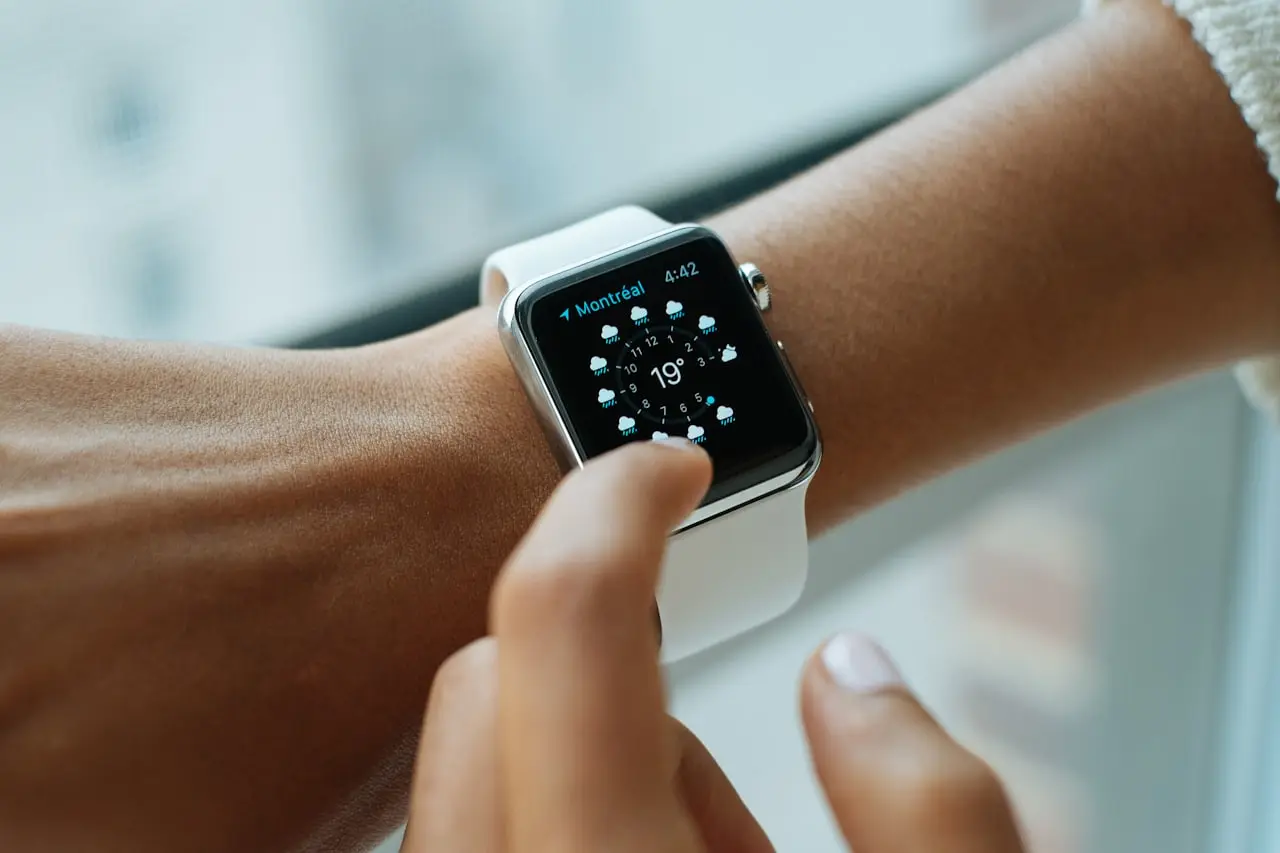
Apple Watch Won’t Unlock iPhone After iOS 26?
Unlock with Apple Watch failed after iOS 26 / watchOS 26 — Wrist Detection, passcode, Focus, 26.6 pairing glitches, and when to unpair and retry.
Apple Watch won’t unlock iPhone after iOS 26 / watchOS 26 (and the 26.6 wave) is almost always Wrist Detection, a stale toggle, or Face ID taking a nap because the phone is hot — not a bricked Watch.
Related: iOS 26.6 problems · overheating · Face ID after repair · AirPods pairing.
Requirements Apple actually checks
Unlock with Apple Watch needs all of these:
- Watch on wrist, unlocked, Wrist Detection On
- iPhone Face ID & Passcode → Unlock with Apple Watch On
- Bluetooth On (Airplane Mode off)
- Watch close to the iPhone
- You just failed Face ID (mask, dark room, heat) — that’s when Watch unlock is supposed to kick in
If Face ID succeeds, you will never see Watch unlock. That’s working as designed.
1. Patch both devices
Update iPhone to 26.6.1 and the Watch to the matching watchOS. Keep the iPhone on power: .
2. Wrist Detection is the silent killer
Watch app → Passcode → Wrist Detection (also on the Watch: Settings → Passcode).
Off = convenience for desk use, and Unlock with iPhone stops. Turn it On, wear the Watch, enter the Watch passcode once.
3. Toggle the iPhone setting
Settings → Face ID & Passcode → Unlock with Apple Watch off, wait 10 seconds, on. Authenticate.
Disable Focus / Sleep that may delay Bluetooth. Test with a mask or in a dark room so Face ID fails on purpose.
4. Heat and Face ID
After iOS 26, a hot iPhone throttles TrueDepth. Cool it, then retry. Persistent Face ID failure when the phone is cold is Face ID after repair or a settings issue — not the Watch.
5. Unpair / re-pair
Watch app → All Watches → i → Unpair (keep backup). Re-pair on Wi‑Fi. Last step before blaming hardware.
Bottom line
Update both → Wrist Detection On → worn unlocked Watch → toggle Unlock with Apple Watch → unpair only if that fails. Don’t buy a new Ultra because 26.6 was still indexing.
Charge iPhone and Watch together while watchOS settles: SABRENT VOLTIK 252W 8-port station on Amazon. If the Watch is a tired first-gen SE, the renewed Watch SE 2 on Amazon is the hardware path — not another unpair loop.
Frequently Asked Questions
Did iOS 26 break Unlock with Apple Watch?
It glitches after big iOS/watchOS pairs — especially 26.6 indexing. Wrist Detection off, a stale watch passcode, or Face ID paused by heat/mask settings are more common than a dead Watch.
Watch unlocks but iPhone still asks for passcode?
Confirm Settings → Face ID & Passcode → Unlock with Apple Watch is On, Watch is worn, unlocked, and Wrist Detection is On.
Works only at home Wi‑Fi?
Bluetooth must be on. The devices use a short-range link, not your router. Disable VPN briefly if pairing stalls.
After a screen replacement Face ID is gone — Watch unlock too?
Unlock with Watch still needs a working passcode and often a healthy Face ID enrollment. Fix Face ID first if the screen shop disturbed TrueDepth.
Should I unpair the Watch first?
After toggles fail. Unpair from the Watch app (backup), then re-pair. Last software step before hardware.
As an Amazon Associate, I earn from qualifying purchases. Affiliate disclosure
Related fixes
Find My / AirTag Stuck After iOS 26?
Find My stuck updating, AirTag offline, or People tab empty after iOS 26 / 26.6 — Location Services, Apple ID, network, and when an AirTag needs a battery vs a reset.
Read the fixiOS 26.6 Problems After Update?
Hub for iOS 26.6 after the August 2026 update — Spotlight indexing, Safari, camera/flashlight, Shortcuts, 26.6.1, plus links to battery, apps, and Continuity guides.
Read the fixLock Screen Frozen After iOS 26?
Lock Screen dead after iOS 26 / 26.6 — widgets not updating, flashlight/camera buttons gone, wallpaper black, Raise to Wake, and when Face ID vs a stuck SpringBoard is next.
Read the fix