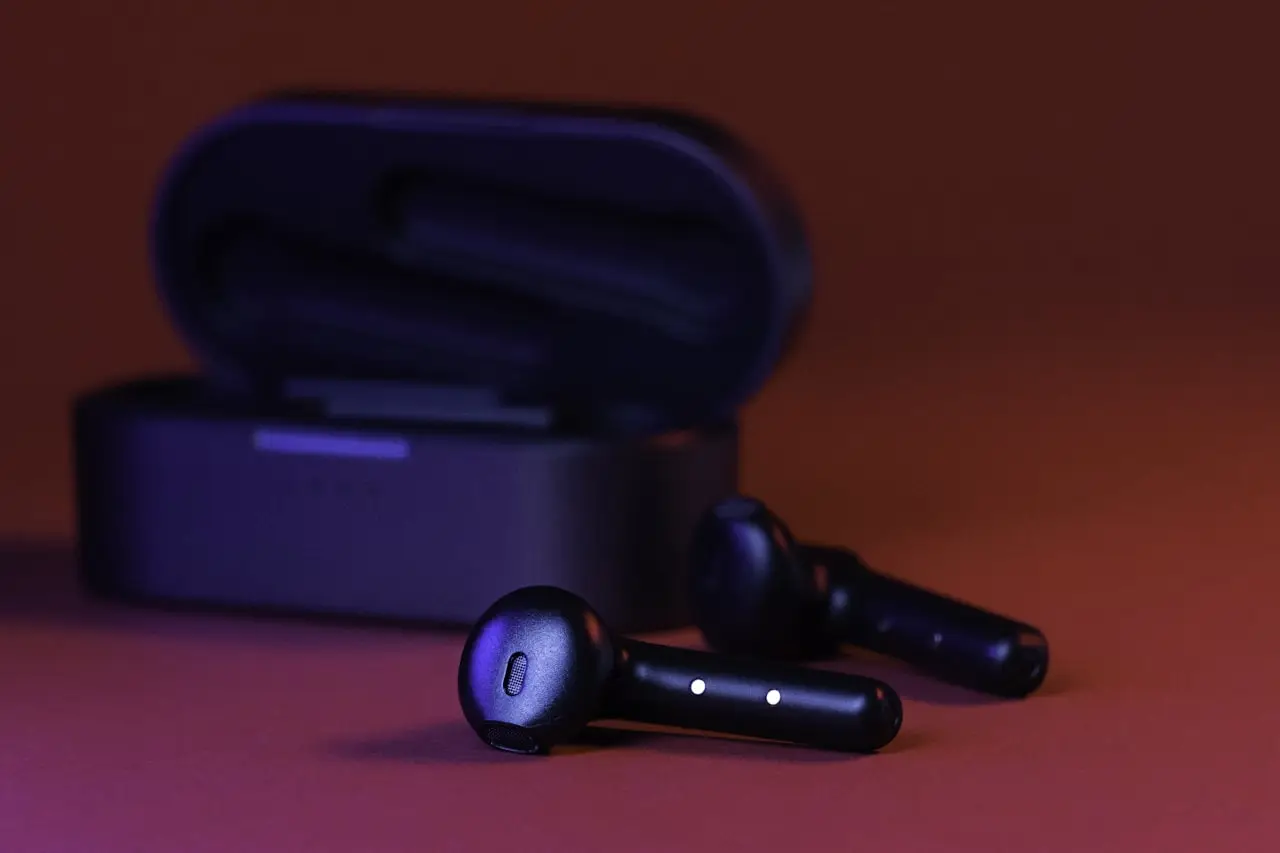
Galaxy Buds Won't Connect?
Samsung Galaxy Buds won’t connect, one bud stays dead, or they drop out — reset, charge the case, forget Bluetooth, and check SmartThings Find.
Galaxy Buds won’t connect — or one bud never shows up — is almost always a stale Bluetooth record, a case that never charged the buds, or a phone still paired to an old set. Same pattern as AirPods Pro not connecting. People replace the pair because they never used Forget on the first phone.
Related: AirPods one side not working · Android Auto not connecting · Android notifications not showing · Windows 11 Bluetooth.
Symptom map
| What you see | Likely cause | First move |
|---|---|---|
| Phone never finds Buds | Not in pairing mode / case dead | Charge case; open lid; reset |
| Connects then drops in 30s | Stale pair, interference, low battery | Forget + reset + re-pair |
| Works on phone A, not phone B | Still owned by phone A | Forget on A, then pair B |
| Left (or right) silent | Uneven charge, dirty pin, dead bud | Charge 15+ min; one-side checks |
| Pairs but no audio in car | Android Auto / car BT route | Disconnect car; retest indoors |
| Wearable can’t update | Battery restriction / bad Wi‑Fi | Unrestrict Wearable; retry on Wi‑Fi |
1. Prove the case can charge both buds
A “won’t connect” ticket is often a flat bud that never left the case charged.
- Seat both buds firmly on the case pins
- Close the lid and charge the case from a known USB‑C cable for 15–30 minutes
- Open the lid and confirm both buds show charge in Galaxy Wearable (or the pop-up battery UI)
- Look for lint, makeup, or bent pogo pins on the case contacts
If one bud never shows a percentage after a clean charge, stop blaming Bluetooth — that side is hardware or contact failure. Careful contact cleaning with an 11-piece precision screwdriver set on Amazon beats digging with a metal SIM tool. Do not pry sealed bud shells open.
2. Forget every stale Bluetooth record
Galaxy Buds behave like other true-wireless sets: they cling to the last successful host.
On a Samsung phone:
- Settings → Connections → Bluetooth
- Tap the gear next to Galaxy Buds → Unpair / Forget
- Repeat on any tablet, laptop, or second phone that still lists them
Then:
- Toggle Bluetooth off/on once
- Kill any leftover Galaxy Wearable connection cards
- Keep the phone within a foot of the open case while pairing
If you only Forget on the new phone and leave the old phone paired nearby, discovery stays weird.
3. Reset the buds (model-specific)
Exact gestures vary by generation (Buds2 / FE / Buds3 / Live / Pro). The reliable shop path:
- Buds in case, lid open, case charged
- Use Galaxy Wearable → Menu → Reset / “Reset earbuds” when the app can see them
- If the app never sees them: use Samsung’s published touch-and-hold reset for your exact model (usually both touch pads for several seconds until the case LED / Wearable prompt changes)
- Wait for pairing mode, then accept the system notification
After reset, install or reopen Galaxy Wearable and complete the setup wizard — skipping it leaves half-broken ANC / touch profiles that feel like “disconnects.”
4. Re-pair cleanly and clear audio thieves
With the lid open next to the phone:
- Accept the Bluetooth pairing prompt
- Allow nearby-device / notification permissions Wearable asks for
- Play a short test track with only the buds selected as output
- Disconnect car Bluetooth, Android Auto, and other headphones for the test
Car kits and Android Auto routinely steal the route mid-song. Same idea as Windows Bluetooth fights on a PC (Windows 11 Bluetooth guide): one host at a time while diagnosing.
Also check SmartThings Find / device-tracking overlays that leave the buds in a weird locate state — end Find sessions before pairing tests.
5. Firmware, battery restrictions, and one-side dropouts
Firmware
In Galaxy Wearable, run any available earbuds software update on Wi‑Fi with both buds charged. Radio and one-bud dropout fixes land here more often than people expect.
Battery restrictions
If Wearable keeps dying in the background (no pop-ups, failed updates), unrestrict it — same class of problem as delayed alerts in our Android notifications guide:
- Settings → Apps → Galaxy Wearable → Battery → Unrestricted (wording varies by One UI)
- Disable any “put unused apps to sleep” entry for Wearable
One side silent
Follow the AirPods-style split:
| Result after charge + reset | Meaning |
|---|---|
| Both show battery, only one plays | Soft reset/firmware first; then hardware |
| One never shows battery | Case pin or dead bud |
| Swapping buds in the case still fails the same ear | That bud is the patient |
Mirror the triage in AirPods one side not working.
6. When it is hardware
Escalate after charge proof, Forget, reset, re-pair, and firmware still fail:
- Case pogo pins crushed or corroded
- One bud dead after liquid / wash-cycle history
- Touch pad stuck registering phantom taps (keeps pausing / disconnecting)
- Crack in the stem / hinge after a drop
Owners: warranty or Samsung service before DIY on sealed buds. Techs: case contact service is fair game with proper bits (precision set); bud internals are usually replace-not-repair.
Do / Don’t
Do
- Charge the case before every reset attempt
- Forget Buds on every old phone
- Update firmware in Galaxy Wearable on Wi‑Fi
- Test without the car / Android Auto connected
Don’t
- Buy a new pair for a forgotten Bluetooth record
- Stab case pins with metal picks
- Force open sealed bud housings “to clean the battery”
- Diagnose while three devices are still paired
Bottom line
Charge the case → Forget on all phones → reset → re-pair → Wearable firmware. One-side silence after a proven charge is hardware. Everything else is almost always a stale pair or a dead case contact — not “Bluetooth is broken forever.”
Frequently Asked Questions
Reset Galaxy Buds without the app?
Usually: buds in case, lid open, tap/hold touch pads per your model’s reset gesture, or use Galaxy Wearable reset. Check Samsung’s page for your exact Buds generation — gestures differ across Buds2, Buds FE, Buds3, and Live.
Works on one phone, not another?
Forget the device on the old phone first. Galaxy Buds stay paired to one primary host until cleared, then re-pair on the new phone with Galaxy Wearable.
Left bud silent or keeps dropping?
Charge both 15+ minutes in the case, reset, then apply the same one-side logic as AirPods. Hardware if one bud never shows battery or never appears in Wearable.
Related to Android Auto or car Bluetooth?
Yes. Car Bluetooth can steal the buds or leave a stale audio route. Disconnect the car while testing pairing.
Case LED dead and buds never pair?
Dirty or bent case pogo pins, a dead case battery, or a bad cable. Clean contacts carefully, charge 30+ minutes, then reset — don’t open sealed bud shells.
As an Amazon Associate, I earn from qualifying purchases. Affiliate disclosure
Related fixes
How to Fix Android Stuck in Headphone Mode (2026)
Fix Android stuck in headphone mode: lint in USB‑C/3.5mm jack, Bluetooth routes, audio outputs, safe restarts, and when the headphone detect hardware needs repair.
Read the fixWhat Is the Android Secure Folder?
Explain Samsung Secure Folder (android_secure / Knox), how to set it up, move apps, troubleshoot lockouts, and prepare safely before phone repair.
Read the fixWhat Is com.samsung.android.incallui?
Explain Samsung InCallUI (com.samsung.android.incallui), why it runs during calls, blank call screen fixes, permissions, and when not to disable it.
Read the fix