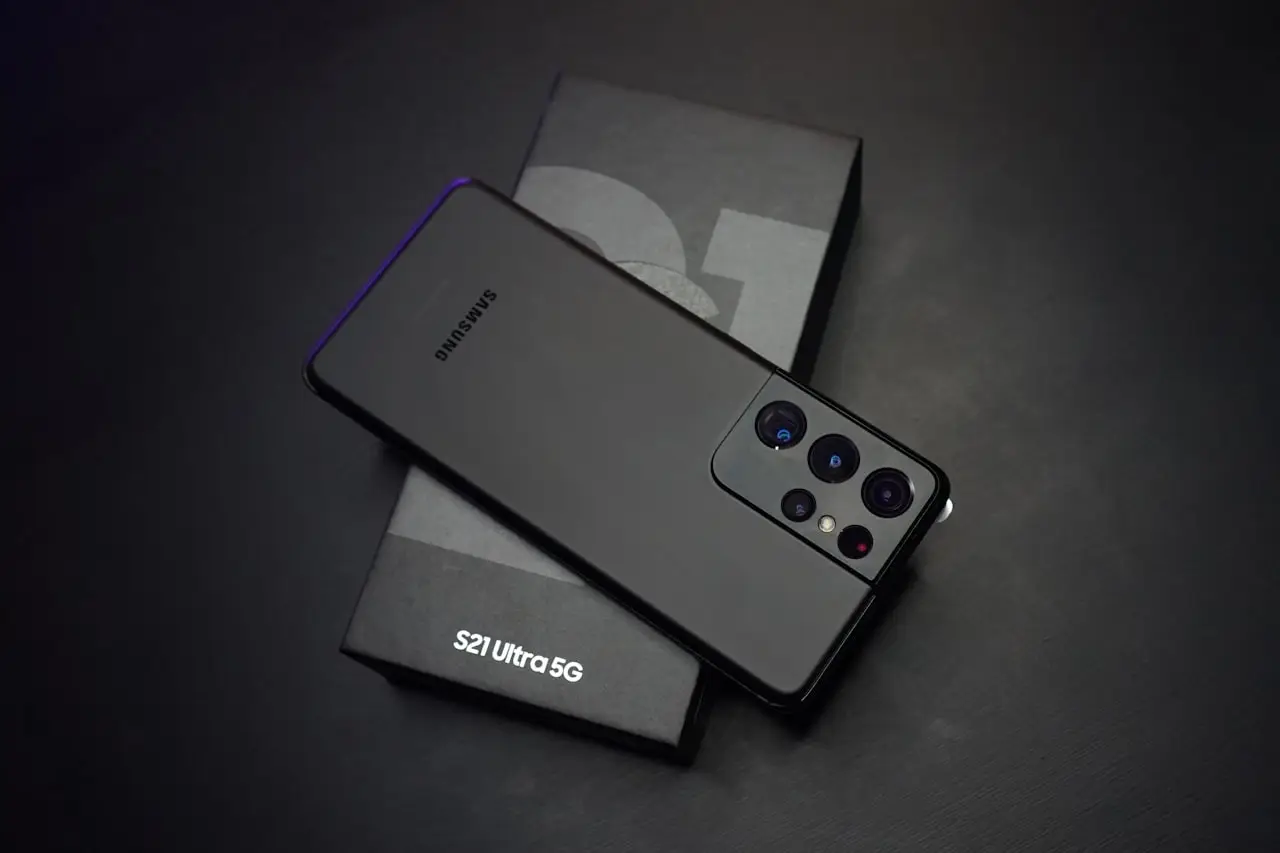
S25 Ultra Fingerprint Broken After Screen?
Samsung Galaxy S25 Ultra ultrasonic fingerprint fails after display replacement — protector tests, re-enrollment, One UI calibration, and when the OLED stack is incompatible.
Galaxy S25 Ultra fingerprint not working after a screen replacement is the 2026 twin of last year’s S24 Ultra drama. Ultrasonic readers are excellent on OEM glass and brutally honest about cheap OLEDs.
Fast triage
| Symptom | Likely cause | Move |
|---|---|---|
| Works bare, fails with glass | Protector thickness / cutout | Different film or none |
| Never reads after repair | No calibration / bad panel | Shop recalibration |
| Works at night only | Lotion, sweat, cold hands | Re-enroll dry |
| Side button OK, display FP dead | Display UDFPS path only | Panel / calibrate |
| Settings missing fingerprint | Deeper parts pairing fault | Warranty comeback |
Broader Samsung notes: Samsung fingerprint after screen. Pixel optical path: Pixel 9 Pro fingerprint.
Owner steps that actually help
- Bare glass for 24 hours — privacy/matte glass is guilty until proven innocent
- Delete all prints → reboot → re-enroll two fingers, multiple angles
- Update One UI and Play system update
- Toggle Show fingerprint icon / stronger visibility aids while testing
- Avoid wet fingers and pocket lint on the hit zone
What to demand from the shop
Write on the ticket:
- “Ultrasonic fingerprint will unlock reliably on bare glass after repair: yes.”
- Model-exact S25 Ultra panel (not S25 / S24 Ultra leftovers)
- Post-repair calibration performed
- Demo on pickup recorded or witnessed
If they refuse biometric warranty, assume aftermarket risk and price that into the job.
DIY reopen tools
Need to inspect adhesive or flex seating at home? Prefer a LCD screen separator on Amazon and an iFixit Pro Tech Toolkit on Amazon. Back up first.
When a new Ultra is cheaper than another panel
If the shop already used a cheap OLED that killed ultrasonic fingerprint — and they will not calibrate or warranty the reader — another aftermarket glass is often throwing good money after bad. Compare that quote against an unlocked Galaxy S26 Ultra 512GB on Amazon. Full buyer notes: S26 Ultra 2026 guide.
Bottom line
S25 Ultra fingerprint after a screen swap is protector → re-enroll → calibrate → correct OLED. Skip factory reset theater until those four are done.
Frequently Asked Questions
Is S25 Ultra fingerprint ultrasonic?
Yes — Samsung’s flagship under-display reader is ultrasonic. It is picky about panel compatibility, lamination quality, and tempered glass thickness.
Will removing the screen protector fix it?
Often for ‘weak’ reads. Always retest bare glass before authorizing another panel.
Can Good Lock restore fingerprint?
No. Good Lock cannot replace ultrasonic calibration or a bad OLED stack.
Same issue on S24 Ultra?
Yes — same failure class. Use this checklist; part SKUs differ by generation.
Factory reset as first step?
No. Re-enroll and bare-glass test first. Reset only after calibration attempts fail and you have a backup.
As an Amazon Associate, I earn from qualifying purchases. Affiliate disclosure
Related fixes
Galaxy S26 Ultra (2026): Buy or Skip?
Should you buy the unlocked Samsung Galaxy S26 Ultra 512GB in 2026? Privacy Display, Galaxy AI camera, Super Fast Charging 3.0, battery, warranty, and when to keep an S25 instead.
Read the fixSamsung Fingerprint Broken After Screen Replacement?
Fix Galaxy under-display or side-mount fingerprint failures after a new screen — Samsung calibration menus, Good Lock myths, protector thickness, and ultrasonic sensor realities on recent Galaxies.
Read the fixWhat Is com.samsung.android.incallui?
Explain Samsung InCallUI (com.samsung.android.incallui), why it runs during calls, blank call screen fixes, permissions, and when not to disable it.
Read the fix