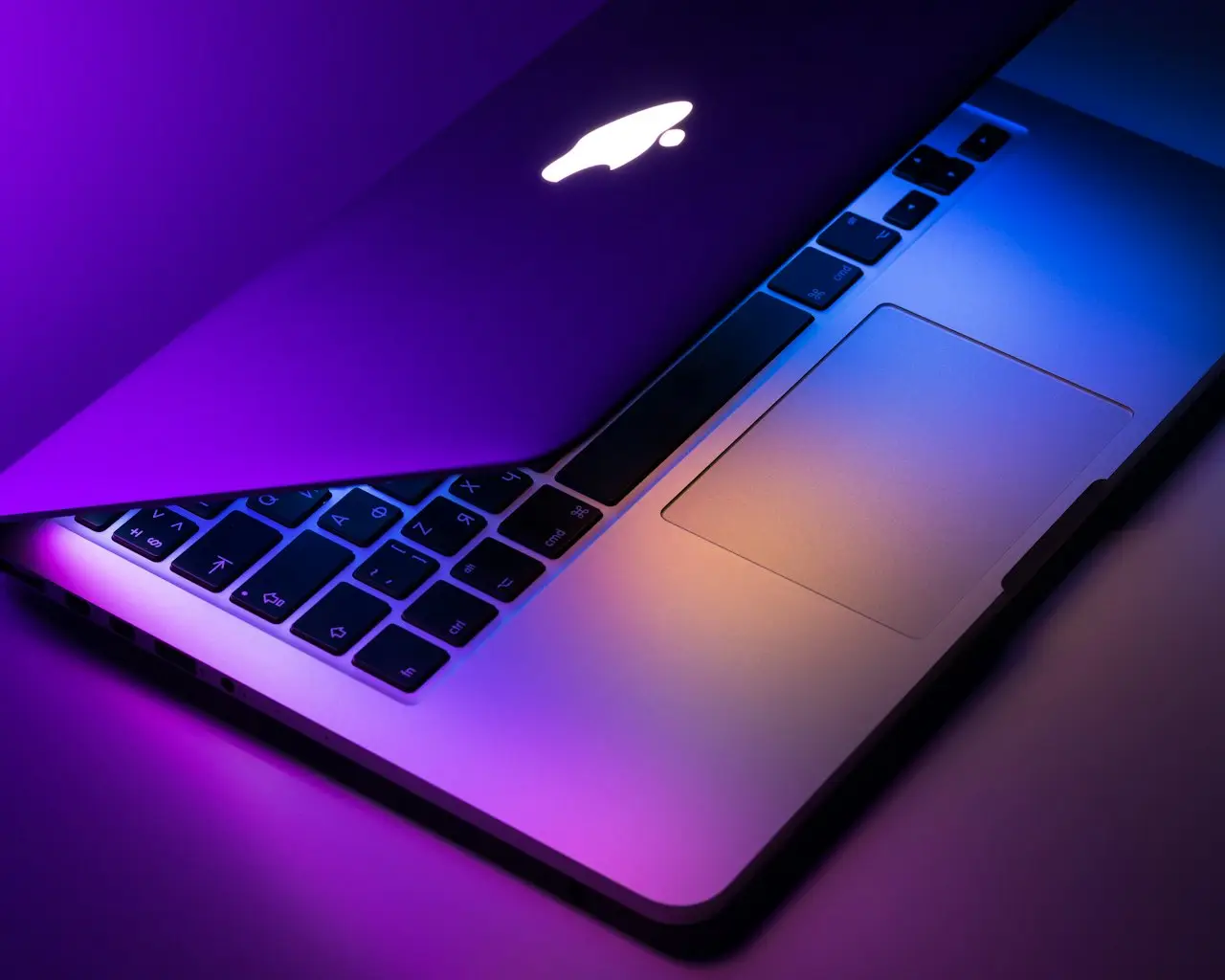
MacBook Air M5 13-inch (2026) Buyer Guide
Apple 2026 MacBook Air 13-inch with M5 — 16GB unified memory, 512GB SSD, Liquid Retina, Wi-Fi 7, Touch ID. Upgrade advice from Intel/M1/M2 Airs and repair reality.
Apple’s 2026 MacBook Air 13-inch with M5 is built as the quiet everyday laptop: Liquid Retina, 16GB unified memory, 512GB SSD, 12MP Center Stage camera, Touch ID, and Wi-Fi 7. Here is who should buy it — and who should still choose a Pro.
Who the M5 Air is for
| Buyer | Fit |
|---|---|
| Students / writers / office | Excellent |
| Light photo + AI features | Excellent with 16GB |
| Music production light | Good |
| Multi-cam 4K edit all day | Prefer MacBook Pro |
| External GPU dreams | Wrong machine |
If your current Mac screams under Zoom + Chrome (fan loud fix) or feels stuck after OS updates (macOS slow after update), Air M5 is often the cleaner path than another round of cache rituals.
Specs that matter (not the brochure fluff)
- M5 + 16GB — headroom for Apple’s on-device AI features without immediate memory pressure
- 512GB SSD — fewer “storage almost full” tickets than 256GB configs
- Fanless — silent, but respect thermal limits
- Wi-Fi 7 — future-proof on newer routers
- Touch ID — still the daily unlock for most people (Touch ID troubleshooting if something glitches later)
When not to buy
- You live in Windows / Microsoft 365 / S Pen notes → Galaxy Book5 Pro 360
- You need sustained GPU / many external displays → renewed 16-inch M2 Max Pro
- Your only problem is a sticky key on an otherwise fine M2/M3 Air → fix or topcase first (stuck key)
- Liquid damage just hit and data is the priority → stabilize and recover first (liquid damage first hour), then shop
Desk setup after you buy
Air still benefits from a simple dock for HDMI and charging. If you use an external display, a magnetic keeps one-cable desk life tidy. A macOS shortcuts sticker for Air/Pro on Amazon is optional once Tahoe moves a few menu items. Keep the brick and USB-C leads in a 4.4” travel charger pouch on Amazon so MagSafe adapters stop living loose in a backpack. An ultra-thin keyboard cover for Air 13/15 and Pro 14/16 on Amazon is crumbs prevention — it will not unstick a key that already failed (stuck key). A MagSafe laptop phone mount is a glance screen, not a Sidecar replacement. Carry the 13-inch in a padded MATEIN 15.6-inch travel laptop backpack on Amazon. Set up Time Machine on day one.
Recommended buy
For most people replacing an Intel or early-M-series Air/Pro, the 2026 MacBook Air 13-inch M5 (16GB / 512GB) on Amazon is the balanced “buy once for several years” configuration.
Related FixingHacks guides
- MacBook fan loud fix
- MacBook Pro M2 Max 16-inch renewed
- macOS slow after update
- Time Machine not backing up
- MacBook liquid damage first steps
- SSD not detected
Bottom line
Choose Air M5 13” for silent everyday work with modern AI headroom. Choose a 16-inch M2 Max Pro for sustained creative loads. Configure 16GB / 512GB up front — you cannot add them later.
Frequently Asked Questions
Is 16GB enough on MacBook Air M5?
For browsers, Office, light photo edits, and on-device AI features, 16GB is the sensible 2026 baseline. Heavy video timelines still favor MacBook Pro memory configs.
Does the Air still run silent under load?
Air stays fanless. Sustained exports will thermal-throttle sooner than a Pro — fine for most people, not for all-day 4K renders.
Can I upgrade RAM or SSD later?
No. Configure memory and storage at purchase. Prefer 512GB if you keep local photo/video libraries.
Should I repair my old Mac instead?
If a keyboard/topcase or battery quote is huge on an aging Intel/M1 unit, replacing with Air M5 is often cheaper than chasing liquid-damage boards.
As an Amazon Associate, I earn from qualifying purchases. Affiliate disclosure
Related fixes
Galaxy Book5 Pro 360 (2026) Buyer Guide
Samsung 16-inch Galaxy Book5 Pro 360 Copilot+ PC — Intel Core Ultra 7, 3K AMOLED touch, S Pen, 120Hz, student laptop reality vs MacBook Air, and who should skip it.
Read the fixMacBook Fan Loud Fix
Quiet a loud MacBook fan: identify CPU hogs, reset SMC/related controls, clear clogged vents, manage ambient heat, and know when liquid damage or pad failure needs service.
Read the fixMacBook Pro M2 Max 16" Renewed?
Should you buy a renewed 2023 MacBook Pro 16-inch M2 Max (32GB / 1TB) in 2026? Creator loads vs Air M5, battery/fan reality, QWERTY layout checks, and when to skip refurbished.
Read the fix