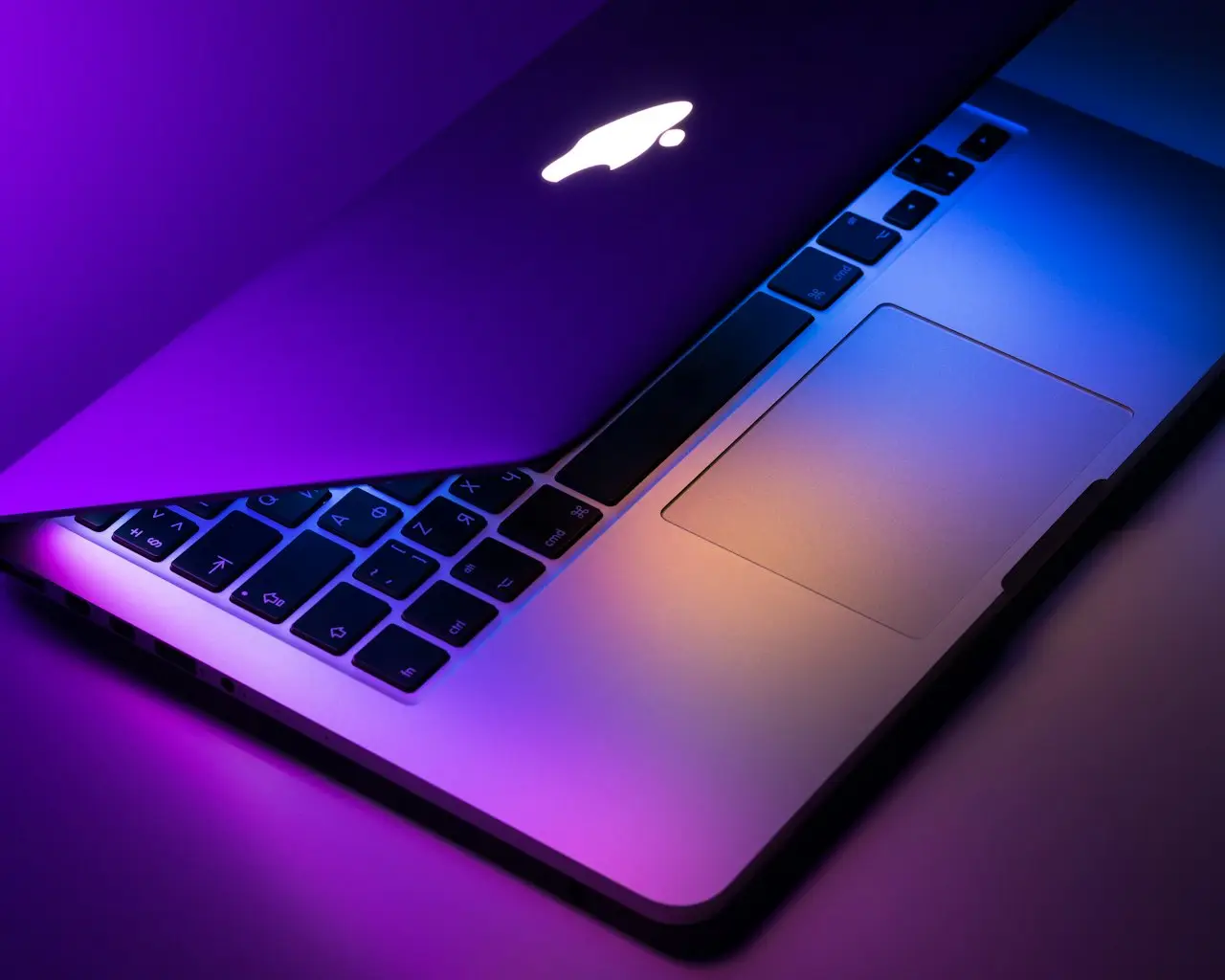
MacBook Pro M2 Max 16" Renewed?
Should you buy a renewed 2023 MacBook Pro 16-inch M2 Max (32GB / 1TB) in 2026? Creator loads vs Air M5, battery/fan reality, QWERTY layout checks, and when to skip refurbished.
Need a 16-inch Mac that will not thermal-throttle through a 4K timeline, without paying 2026 M5 Pro prices? A renewed 2023 MacBook Pro 16-inch with M2 Max, 32GB, and 1TB is the used-creator buy — if you vet it like a technician, not like a gift card.
If you mostly write, browse, and hop Zoom, stop here and read the MacBook Air M5 13-inch buyer guide instead. Fanless wins that job.
Who the M2 Max 16-inch is for
| Buyer | Fit |
|---|---|
| 4K / multi-cam / After Effects | Excellent |
| Xcode + simulators + Docker | Excellent with 32GB |
| Students / writers / Office | Prefer Air M5 |
| Need Windows + S Pen | Galaxy Book5 Pro 360 |
Specs that matter on this listing
- M2 Max + 32GB — headroom Air cannot buy later
- 1TB SSD — local libraries without a constant enclosure dance
- 16-inch Liquid Retina XDR class — gorgeous, heavy, backpack-sensitive
- QWERTY English — confirm the physical layout on arrival
- Renewed — cosmetic grade varies; function must not
A macOS shortcuts sticker for Air/Pro on Amazon is optional once Tahoe moves a few menu items — it does not replace learning Stage Manager / Mission Control.
Fans, heat, and “this Pro is loud”
Pro machines have fans. Idle jet noise on a cool desk is a problem; fans during export are the product working. If you are fleeing a screaming Intel chassis, prove CPU hogs first: MacBook fan loud fix. After a big macOS jump, indexing can sound like a fault for 24–48 hours (Tahoe slow).
Charge and desk path
Match wattage to the 16-inch Pro. A phone brick lies. Prove PD on a known path — the magnetic plus a proper wall adapter — before anyone quotes a battery (MacBook not charging).
A household SABRENT VOLTIK 252W 8-port charging station on Amazon is for iPhone / Watch / iPad on the same desk, not a substitute for the Mac’s own high-watt brick.
Carry the 16-inch in a padded bag; measure the chassis. The MATEIN 15.6-inch travel backpack needs a sleeve for a 16-inch Pro. The wall brick belongs in a small charger pouch on Amazon, not loose next to the XDR lid. An ultra-thin keyboard cover for Pro 14/16 is optional crumbs control — skip it if you hate mushy typing.
When to skip this renewed Pro
- You want silent cafés → Air M5
- The listing is high cycle count + swollen trackpad → walk
- You need HDMI + NVMe backup on an iMac 24” instead → different dock: 11-in-1 USB-C hub with M.2 enclosure
- Liquid just hit → first hour, then shop
Recommended buy
If 32GB and a 16-inch panel are the point, the renewed 2023 MacBook Pro 16-inch M2 Max (32GB / 1TB) on Amazon is the 2026 used-Pro to stress-test in the return window — fans, battery health, and every Thunderbolt port.
Related FixingHacks guides
- MacBook Air M5 13-inch buyer guide
- MacBook fan loud fix
- macOS Tahoe slow after update
- MacBook not charging
- Time Machine not backing up
Bottom line
Buy renewed M2 Max 16” for sustained creative loads and 32GB. Buy Air M5 for silence. Do not treat a refurbished Pro as a sealed Apple Store box — cycle count and ports decide whether you keep it.
Frequently Asked Questions
Is a 2023 M2 Max still worth buying in 2026?
Yes if you need 32GB, a 16-inch panel, and sustained GPU. For browsers and Office, a new Air M5 is quieter and cheaper. M2 Max is the used-Pro sweet spot, not a 2026 M5 Pro replacement.
What should I check on a renewed unit?
Battery cycle count and health, fan noise at idle, display for backlight bleed, all Thunderbolt ports, HDMI, MagSafe, and that the keyboard is the layout you typed (this listing is QWERTY English).
Air M5 vs this Pro?
Air M5 is fanless everyday. This Pro is for timelines, VMs, and lots of external pixels. If fans screaming is why you are shopping, prove load first — then pick Pro for work, Air for silence.
Will macOS Tahoe run well?
M2 Max is fully supported. First-week indexing after a major macOS jump is normal. If an old Intel Pro is the patient, this renewed 16-inch is often cheaper than another thermal service.
32GB / 1TB — overkill?
Not for Final Cut / Resolve / Xcode + simulators. Overkill for Mail and Safari. You cannot add RAM later.
As an Amazon Associate, I earn from qualifying purchases. Affiliate disclosure
Related fixes
MacBook Air M5 13-inch (2026) Buyer Guide
Apple 2026 MacBook Air 13-inch with M5 — 16GB unified memory, 512GB SSD, Liquid Retina, Wi-Fi 7, Touch ID. Upgrade advice from Intel/M1/M2 Airs and repair reality.
Read the fixMacBook Fan Loud Fix
Quiet a loud MacBook fan: identify CPU hogs, reset SMC/related controls, clear clogged vents, manage ambient heat, and know when liquid damage or pad failure needs service.
Read the fixMac Slow After macOS Tahoe Update?
Fix a sluggish Mac after the latest macOS Tahoe upgrade — Spotlight reindex, login items, Apple Intelligence load, and safe storage cleanup for 2026.
Read the fix