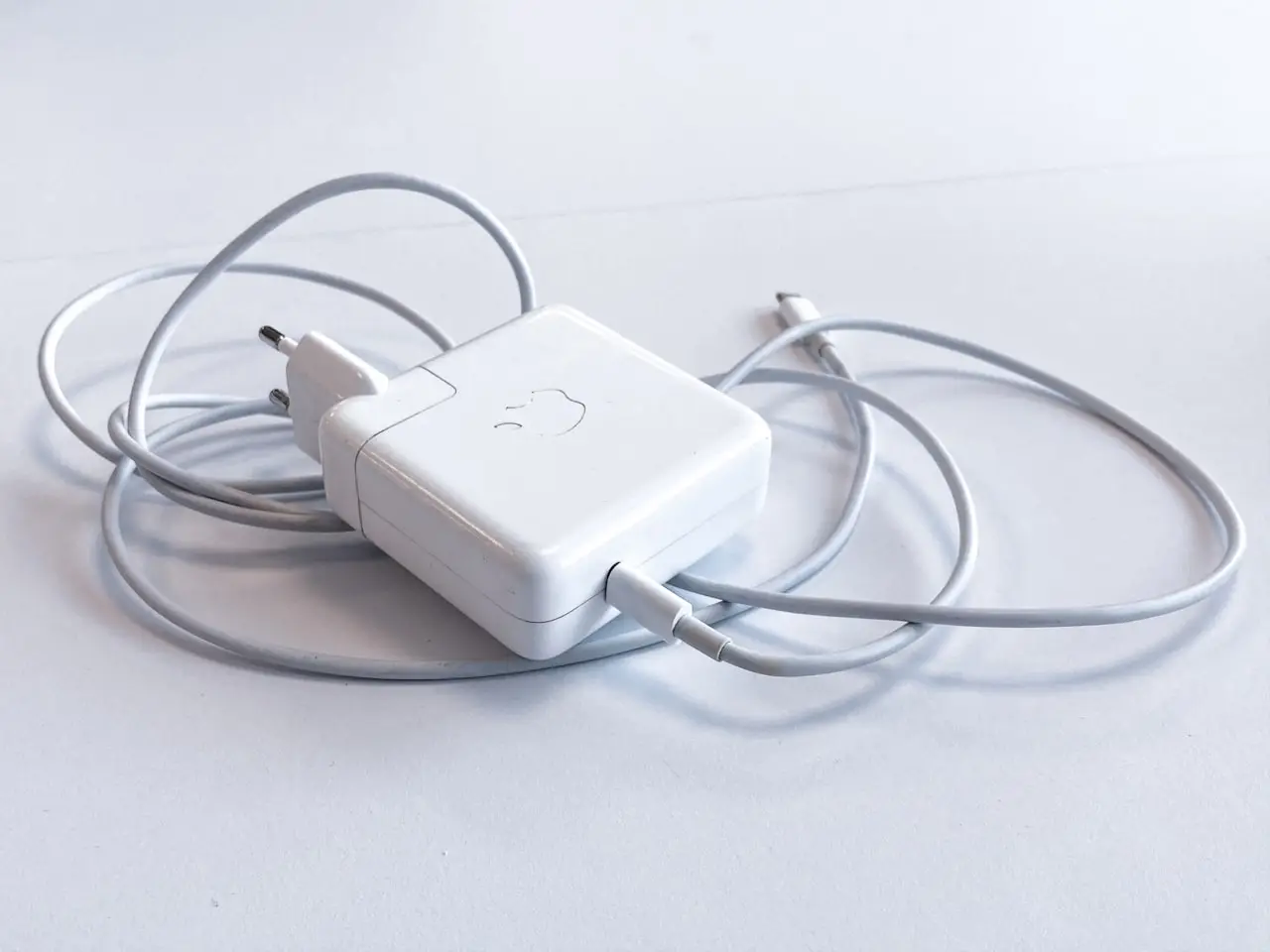
MagSafe Not Charging After Liquid Near Port?
MacBook charging died after a spill near MagSafe/USB-C — port corrosion checks, cable isolation, SMC myths on Apple silicon, and when the power path on the board is damaged.
Liquid near a MagSafe or USB-C edge often kills charging before it kills the keyboard. Ports sit on the board’s power path; moisture and corrosion there create “dead Mac” symptoms that look like a bad cable. This guide is the safe order for US and UK users — prove the accessory, protect the port, then escalate.
If the spill just happened, prioritize power-off and liquid first aid: /posts/macbook-liquid-damage-what-to-do-first.
1. Do not charge a wet port
- Unplug every cable
- Power the Mac down if it is on
- Inspect MagSafe puck / USB-C cavities for moisture, haze, or colored crust
- Wait for external dryness; do not blast a hairdryer into the port
- Only then try one known-good charger
Why this matters: inserting a live PD charger into a wet receptacle can short the power MOSFETS and turn a cleaning job into a board repair.
2. Accessory isolation (rule out the cheap failure)
| Test | Pass means |
|---|---|
| Known-good USB-C PD charger + cable on port A | Port A / path likely OK |
| Same kit on port B | Compare left vs right damage |
| MagSafe cable + brick you trust | MagSafe path check (if equipped) |
| Old cable fails, new kit works | Cable was the villain |
Use chargers in the power class Apple specifies for your model (commonly discussed as 67W / 96W-class USB-C PD for many recent MacBooks — check the label on your brick and Apple’s tech specs for the exact machine). Undersized phone chargers cause confusing “Not Charging” states even on healthy ports.
What NOT to do: cycle through every cable in the house ten times on a contaminated port.
3. Read the symptoms precisely
Capture these for the shop:
- Menu bar battery icon messages (“Not Charging”, “Service Recommended”, percentage stuck)
- Whether the machine runs only while plugged in
- Warmth at the port during the one test plug
- Any liquid history on the keyboard side too (/posts/macbook-keyboard-water-spill)
- Whether the Mac turns on at all (/posts/macbook-not-turning-on-after-spill)
| Pattern | Likely focus |
|---|---|
| One USB-C port dead, other works | Localized port / nearby circuit |
| MagSafe dead, USB-C works (or reverse) | That connector’s path |
| Both ports dead after edge spill | Broader power-path / board |
| Charges on desk, fails on travel cable | Accessory |
4. SMC myths vs Apple silicon reality
Older Intel MacBooks had user-facing SMC reset rituals that sometimes cleared false charging states. On Apple silicon MacBooks, there is no classic SMC reset dance — focus on:
- Full shutdown
- Compatible PD charger
- Port condition
- Battery settings observation
- Apple Diagnostics only if the machine is dry and stable enough
If a guide tells you to hold keys that do not exist on your model, ignore it. Follow Apple’s current documentation for your chip.
5. Port cleaning — home vs shop
Home, powered off, lights good:
- Soft dry brush at the port mouth for lint
- Wooden/plastic pick for obvious fluff — never metal
- Stop at the first sign of green/white corrosion crust
Shop:
- Ultrasonic / proper cleaning when residue entered the receptacle
- Port replacement or board work if pads are eaten
- Battery health measurement if the system runs but will not charge
Do not scrape crust with a SIM tool. You can bridge contacts.
6. When to stop DIY
Book service when:
- Known-good charger fails on all ports after the spill
- You see corrosion color in the receptacle
- The port sparks, smells, or overheats
- Battery percentage jumps wildly or the Mac brownouts under light load
- Charging died the same day liquid hit the edge
Ask the technician whether they expect port replacement, board cleaning, or board repair, and set a cost ceiling — especially on Apple silicon where storage is soldered and data-first decisions matter.
7. Interim use and data
If one port still charges reliably and the machine is otherwise stable, back up immediately to an external SSD, then reduce unnecessary plug cycles. If no port charges, do not keep “testing” — move to professional diagnostics.
Related audio/keyboard spill symptoms often share the same incident: /posts/macbook-speakers-crackling-after-spill, /posts/macbook-sticky-keys-after-coffee.
Prevention
- Keep drinks away from the hinge-adjacent ports
- Use quality cables; frayed PD cables cause false hardware panic
- After any liquid event near the edge, assume charging is suspect even if it “works today”
Prove the charger once, protect wet ports, document which side failed, and escalate corrosion to a shop. MagSafe/USB-C failures after liquid are power-path problems until a technician proves otherwise — not a software preference pane issue.
Cable strain and liquid — combined failures
A frayed MagSafe or USB-C cable plus a mild spill creates misleading stories. Always validate with a second known-good cable before accepting a board quote. Conversely, a perfect cable into a green-crusted port is how you damage the good cable — inspect first.
Battery percentage weirdness after spills
Wild jumps (40% → 2% → shutdown) after liquid near the edges can mean battery/fuel-gauge path trouble or a battery already due for service. Do not calibrate-cycle myths for weeks on a contaminated machine — back up and inspect.
Using a USB-C power meter (optional)
Inline meters show whether the Mac negotiates voltage/current. No negotiation on either port after a spill is useful evidence for the shop. Do not leave meters and mystery cables cycling for hours.
Sleep charging vs awake charging
Some failures appear only when the lid is closed. Test both states once with the known-good charger after external dryness. Note results; do not endlessly retest.
Cross-linked spill symptoms
If charging died with keyboard stickiness, treat as one incident: /posts/macbook-keyboard-water-spill, /posts/macbook-sticky-keys-after-coffee. If the Mac is fully dead, switch playbooks: /posts/macbook-not-turning-on-after-spill.
Service path questions
- Port only vs board power rails?
- Any corrosion photos?
- Data-first option if board replacement recommended?
- Turnaround and warranty on the repair labor?
Get answers before authorizing the expensive step.
Desk setup tip
If you use an HDMI monitor and still want one-cable charging on a MacBook, I recommend a detachable magnetic VENTION 6-in-2 USB-C hub on Amazon (PD up to 140W, high-refresh HDMI on supported sets) so you can leave the desk without unplugging a pile of dongles.
Frequently Asked Questions
Can green crust in the port be cleaned at home?
Light dry debris can be removed carefully with the Mac powered off. Visible corrosion after liquid belongs in a shop. Do not scrape with metal pins or paperclips — you can bridge contacts and worsen the short.
Why does the Mac run on charger but show ‘Not Charging’?
Possible causes include battery path damage, battery health limits, firmware glitches, or a charger that only supplies enough power to run the system. After a spill, assume hardware until a technician inspects it.
Should I use the other USB-C port?
Yes as a careful test once the ports look dry externally. If only the spill-side port failed, that detail helps localize damage. Stop repeated plug cycles if anything feels warm, smells odd, or refuses handshake.
As an Amazon Associate, I earn from qualifying purchases. Affiliate disclosure
Related fixes
MacBook Speakers Crackling After a Spill?
Distorted or dead MacBook audio after liquid — software checks, balance settings, and why crackle often means speaker or board corrosion needing service.
Read the fixMacBook Won’t Turn On After a Spill?
No power after liquid on a MacBook — what to try once (charger, other port), what not to try, data-first board repair decisions, and how to talk to Apple or a microsolder shop.
Read the fixMacBook Liquid Damage: What to Do in the First Hour
Spilled coffee or water on a MacBook — power off correctly, avoid rice and heat guns, decide on data-first vs board repair, and what to tell Apple or an independent shop.
Read the fix