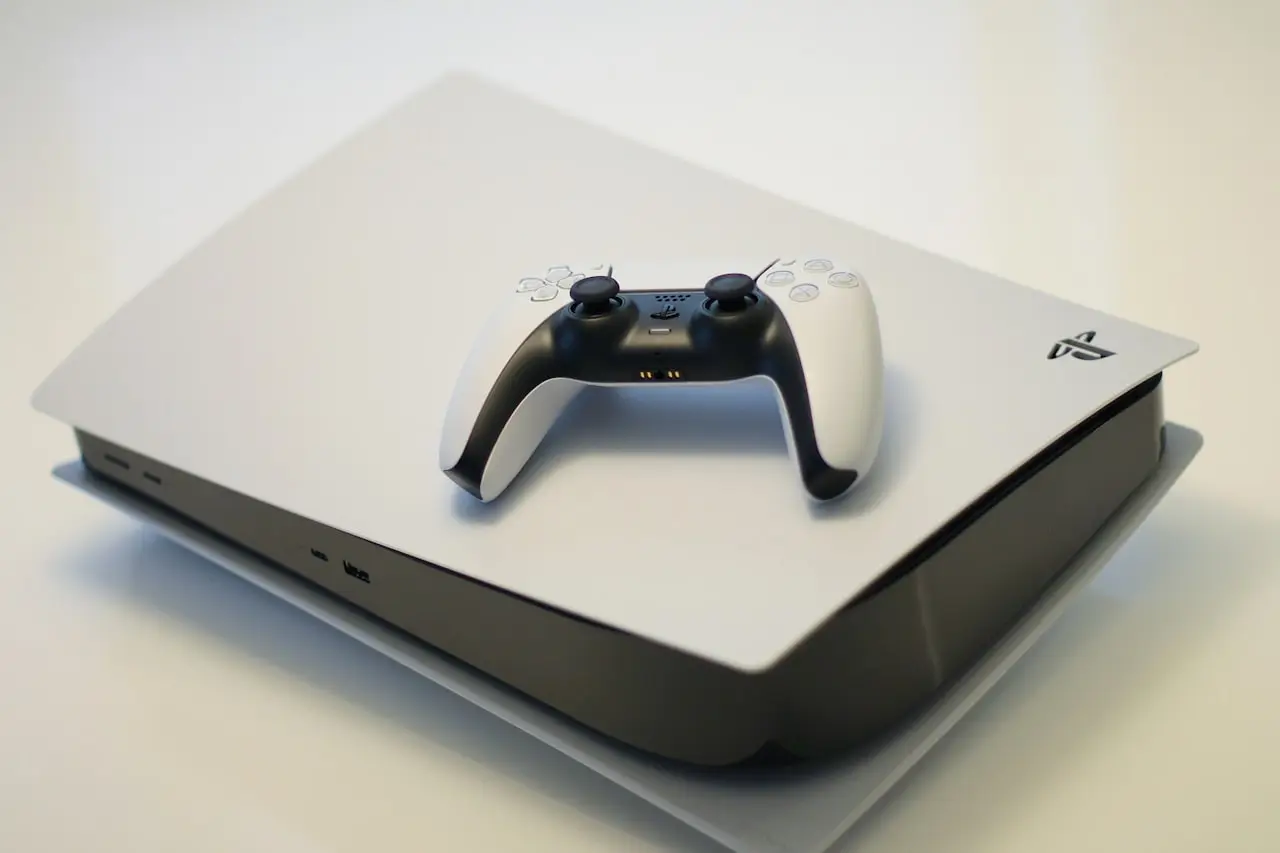
PS5 Disc Drive Not Reading Discs?
PS5 disc drive won’t read games or Blu-rays — dirty discs, laser path dust, Safe Mode checks, digital vs disc model confusion, and when the UHD drive needs replacement.
PS5 disc drive not reading is scratched media or a tired laser more often than a full console failure.
Related: PS5 Safe Mode, PS5 won’t turn on, HDMI no signal.
Quick triage
| Symptom | Likely cause | Move |
|---|---|---|
| One disc fails | Bad disc | Try another retail disc |
| All discs spin/eject | Laser / sled | Hardware |
| Game asks to insert disc you own | License / install DB | Rebuild database |
| Grinding noise | Mechanical fault | Stop; service |
Soft steps
- Clean discs with a microfiber (straight strokes)
- Try a movie Blu-ray and a game disc if available
- Full shutdown; unplug 5 minutes
- Safe Mode → Clear Cache and Rebuild Database
- System software update
Hardware
Persistent failure on multiple clean discs → drive service/replacement. Slim detachable drives must match Sony’s pairing rules for your model. Shell access: precision screwdriver set on Amazon.
Bottom line
Clean media → rebuild database → update → replace drive. Don’t keep forcing grinding discs.
Frequently Asked Questions
Disc spins then ejects?
Dirty disc, unreadable layer, or failing laser. Try a known-clean first-party disc before condemning the drive.
Digital edition suddenly asking for discs?
You may be on a Digital model, or the wrong account/license. Disc drives are model-specific detachable units on newer revisions — confirm your SKU.
Can I lubricate the drive?
Don’t spray random oil into the laser path. Dust air only; leave mechanics to a tech.
Safe Mode help?
Clear cache / rebuild database can fix odd install prompts, not a dead laser.
Aftermarket drive OK?
On slim detachable designs, use a properly paired/compatible drive per Sony’s process for your revision — mismatched drives fail activation.
As an Amazon Associate, I earn from qualifying purchases. Affiliate disclosure
Related fixes
PS5 HDMI No Signal? Black Screen Fix That Works
PS5 HDMI no signal or black screen on TV — cable swaps, Safe Mode resolution reset, 4K/HDR handshake, rest mode glitches, and when the HDMI port needs hardware repair.
Read the fixPS5 DualSense Not Charging?
DualSense controller won’t charge on PS5 — USB-C cable quality, front vs rear ports, Rest Mode USB power settings, reset button, and when the battery needs service.
Read the fixPS5 DualSense Stick Drift Fix
DualSense controller drift on PS5 — deadzone tips, calibration myths, contact cleaner vs replacement modules, and when Sony repair beats DIY.
Read the fix