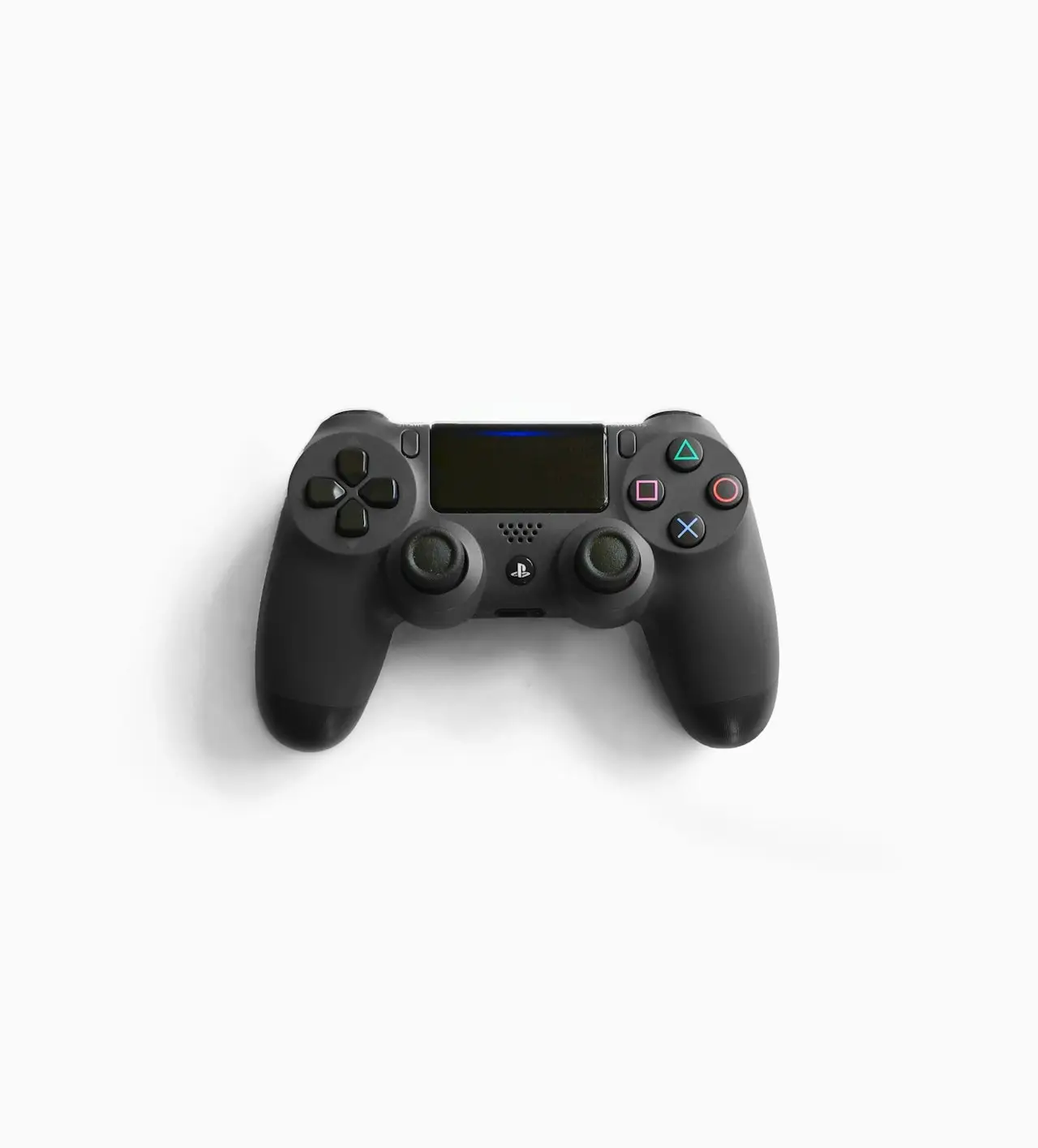
PS5 Rest Mode: Black Screen and Charge
PS5 Rest Mode not suspending, won’t wake, drains power, or freezes — Rest Mode features to disable, USB charge quirks, HDMI wake fails, and clean shutdown habits.
PS5 Rest Mode problems — won’t wake, black screen on wake, controllers not charging — are feature stacks fighting HDMI and USB power.
Related: HDMI no signal, overheating, DualSense drift (separate from charge).
Stabilize
- Full shutdown + unplug
- Settings → System → Power Save → Rest Mode features — disable extras, re-add one by one
- Enable available USB power during Rest Mode if you need DualSense charge
- Prefer Ethernet for overnight downloads
- Don’t bury the console in a closed cabinet (overheating; dust tools: screwdriver set)
Bottom line
Drain power → trim Rest Mode features → fix HDMI wake → Ethernet for downloads. Full shutdown is healthier than a flaky Rest Mode loop.
Frequently Asked Questions
Should I disable Rest Mode entirely?
If Rest Mode bricks or black-screens weekly, yes — use full shutdown until stable. Re-enable features one at a time.
DualSense not charging in Rest Mode?
Enable USB power in Rest Mode supply settings, use the rear USB ports, and try a different cable.
Downloads fail in Rest Mode?
Keep Stay Connected to Internet enabled; avoid aggressive Wi‑Fi router client isolation; test Ethernet.
Linked to HDMI no signal?
Often — wake handshake fails. See HDMI guide and power-cycle TV+PS5.
Overheating in Rest Mode?
Cabinet installs + downloads. Ventilate; see overheating guide.
As an Amazon Associate, I earn from qualifying purchases. Affiliate disclosure
Related fixes
PS5 DualSense Not Charging?
DualSense controller won’t charge on PS5 — USB-C cable quality, front vs rear ports, Rest Mode USB power settings, reset button, and when the battery needs service.
Read the fixPS5 HDMI No Signal? Black Screen Fix That Works
PS5 HDMI no signal or black screen on TV — cable swaps, Safe Mode resolution reset, 4K/HDR handshake, rest mode glitches, and when the HDMI port needs hardware repair.
Read the fixmacOS Tahoe Not Detecting an External Monitor?
Mac not detecting an external display after macOS Tahoe — HDMI and USB-C handshake, docks, clamshell mode, HDR, refresh rate, and a dirty Thunderbolt port.
Read the fix