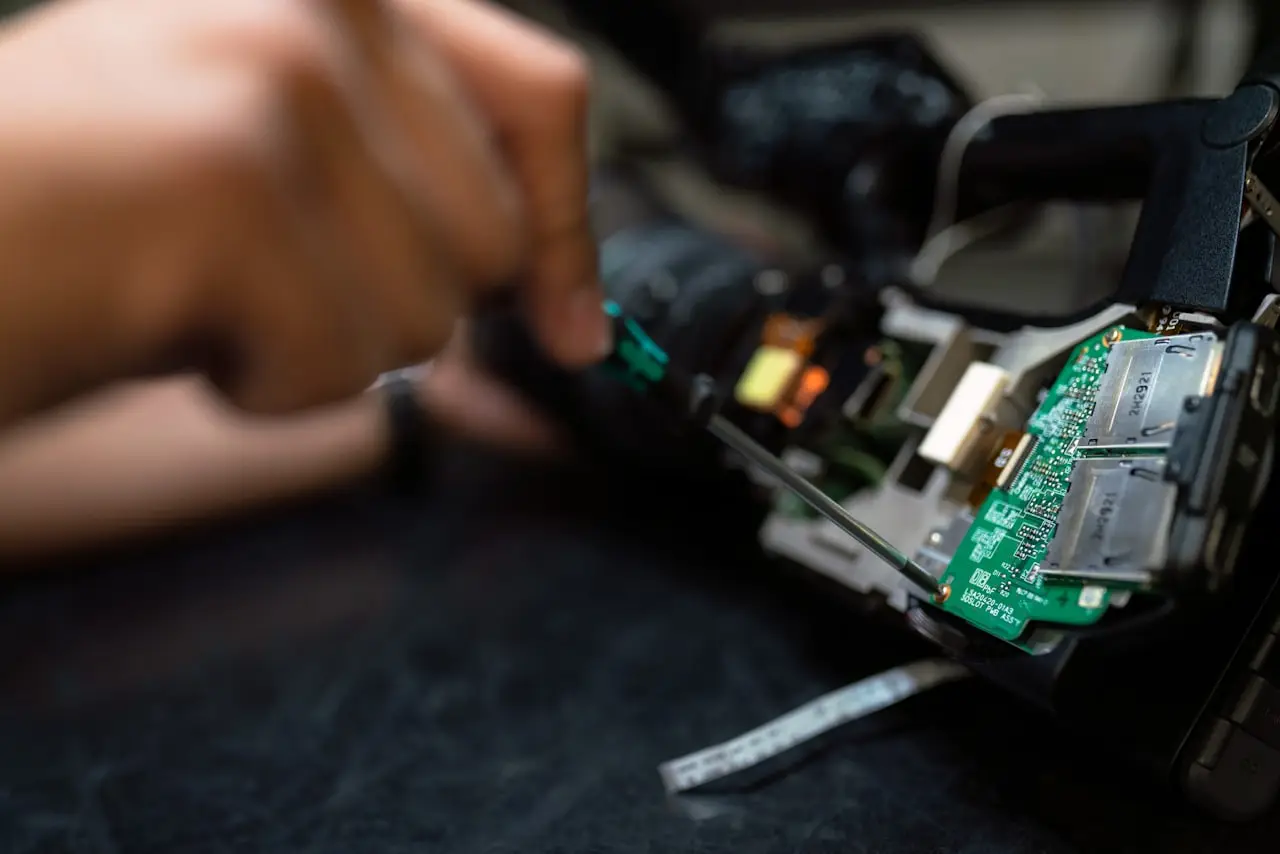
Samsung Sub Board / Charging Port After Drop
Galaxy second board (sub board) repair — USB-C not charging, mic issues, no signal after drop, interconnect flex, and when replacing the 2nd board beats mainboard microsoldering.
Samsung sub board (2nd board) replacement is the workhorse fix after corner drops: USB-C, bottom mic, and often part of the signal path live there. Techs who jump straight to mainboard RF burn customer money.
Related: no signal after drop · no image · FPC reflow · slow charging software side.
When the 2nd board is the patient
- Charge only on one plug angle
- Port loose in the frame
- Bottom mic dead after drop
- Hard-press near USB restores charge or signal
- Liquid wicking through USB into the daughterboard
Swap discipline
- Exact model + region revision
- Photos of coax / screw lengths
- Transfer antenna hybrids / rubber nests
- New adhesive / seals if IP rating matters to the customer
- Test: PD charge, call audio, bars, Wi‑Fi
Tools: iFixit Pro Tech Toolkit, Sunshine DT17N digital multimeter to confirm the port vs board before you swap, LCD separator when the display stack must move.
When it is NOT the sub board
- IMEI null with perfect USB charge → main RF
- No image with perfect charge → display FPC/panel
- Software “charging slowly” only → cable/PD negotiation
Bottom line
Angle-charge + bottom-drop damage → sub board first. Pressure-map, swap the 2nd board, then escalate.
Frequently Asked Questions
Is the sub board the same as the charging port flex?
On many modern Galaxies the USB-C port lives on a small daughterboard (sub/2nd board) with mics and interconnects — not a simple J100-era flex. Order the exact model/revision board.
Will a new sub board fix no signal?
When pressure tests or damage point to that interconnect / antenna feed — yes, often. It will not fix a dead mainboard baseband.
Charge only at an angle?
Classic port wear or torn sub-board. Replace the board; stop using angled cables that caused it.
Need to program the new board?
Most USB sub-boards are plug-and-play; some models have nuances — follow model-specific notes and test serial/network after.
Related display FPC reflow?
Different connector — same drop event can require both. See FPC reflow and no-image guides.
As an Amazon Associate, I earn from qualifying purchases. Affiliate disclosure
Related fixes
Samsung No Signal After Drop: RF Fixes
Galaxy no service / no signal after a hard drop — hard-press reconnect tricks, antenna coax reseat, second/sub board swaps, SIM path checks, and when the main board RF is dead.
Read the fixAndroid Phone Won’t Charge?
Diagnose an Android that won’t charge: dirty USB‑C port, bad cable/brick, charge pause software, battery health, and when it’s a hardware fault.
Read the fixWhat Is the Android Secure Folder?
Explain Samsung Secure Folder (android_secure / Knox), how to set it up, move apps, troubleshoot lockouts, and prepare safely before phone repair.
Read the fix