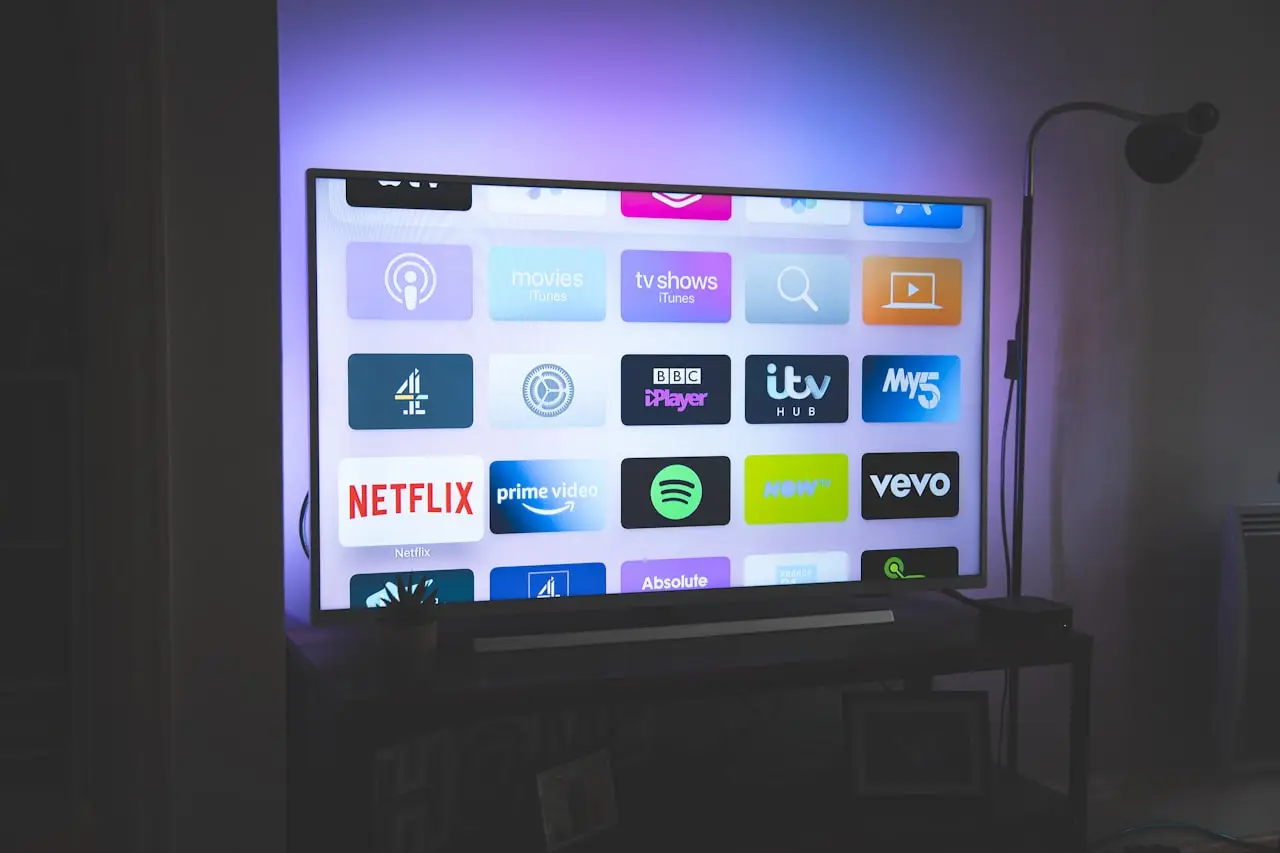
Samsung TV Remote Not Working?
Repair a dead Samsung Smart TV remote — batteries, IR vs Bluetooth pairing, Soft AP mode, voice button issues, and when a 2019–2026 replacement remote is the clean fix.
A Samsung TV remote not working is usually batteries, a lost Bluetooth pairing, or a remote that took a fall — not a dead TV. Walk the checks below before you replace parts.
1. Batteries and contacts first
- Remove batteries for 60 seconds
- Install a new matched pair (do not mix old/new)
- Wipe contact springs — white crust kills voltage
SolarCell remotes still need a healthy charge path; leave them face-up under light if they feel “weak after storage.”
2. IR vs Bluetooth (know which you have)
| Behavior | Likely path |
|---|---|
| Power works, apps/voice dead | Bluetooth pairing lost |
| Nothing works, no IR flash | Batteries / dead remote |
| Works only from inches away | Weak batteries or blocked IR window |
| Voice button silent | Mic permissions / unpaired BT remote |
Point a phone camera at the top of the remote and press volume — many remotes show a faint flash on the IR LED.
3. Re-pair the Smart Remote
On most 2019+ Samsung Smart TVs:
- Open the SmartThings / Samsung remote app on your phone if the physical remote is dead
- Or use the TV’s front panel / power cycle
- Put the TV in remote pairing / Soft AP mode (wording varies by Tizen year)
- Hold the pairing combination on the remote (often Return + Play/Pause for ~5–8 seconds — confirm for your model) until the TV confirms
If pairing fails three times, reboot the TV (unplug 2 minutes) and retry once more.
4. Voice control quirks
Voice needs a paired Bluetooth remote + working mic. After OS updates, re-accept mic prompts. If every other button works but voice never wakes, the remote mic or pairing profile is often at fault — I recommend a replacement voice remote for 2019–2026 Samsung TVs on Amazon when Soft AP never completes.
5. Rule out the TV
- Other remotes / app control the set → remote is the problem
- Nothing controls the TV → power board / main board / HDMI-CEC chaos — different ticket
- External soundbar stealing HDMI-CEC can make “volume” feel broken while the TV is fine
Do / Don’t
| Do | Don’t |
|---|---|
| Fresh batteries before pairing marathons | Buy the cheapest “universal” if you need voice |
| Reboot TV between failed pair attempts | Point at a closed IR-blocking media cabinet forever |
| Keep a phone app as backup | Assume every black screen is the remote |
Related FixingHacks guides
- Samsung battery drain on One UI (phone side of the brand)
- Chrome pages not loading (Smart Hub web apps)
- Flush DNS cache (when TV apps fail to resolve)
- Wi‑Fi keeps disconnecting
Bottom line
Fresh batteries → confirm IR → Soft AP re-pair → then replace. For 2019–2026 Samsung Smart TVs that need voice again, a compatible Samsung Smart TV replacement remote on Amazon beats living on the phone app forever.
Frequently Asked Questions
Why does my Samsung remote work for power but not menus?
Often IR still reaches the TV for power while Bluetooth pairing for the Smart Hub remote is broken. Re-pair in Soft AP / remote pairing mode.
Do I need the exact OEM remote?
Many 2019–2026 Samsung Smart TVs accept compatible voice remotes. Confirm your TV year/series; cheap universal remotes often lack voice and Smart Hub shortcuts.
Can the SmartThings app replace the remote?
Yes for basic control while you diagnose. Use it to open settings and re-pair a physical remote.
Will a new remote need pairing?
Usually yes for Bluetooth/SolarCell-style remotes. Follow the TV’s pairing prompt after inserting batteries and pointing at the set.
As an Amazon Associate, I earn from qualifying purchases. Affiliate disclosure
Related fixes
MacBook Air M5 13-inch (2026) Buyer Guide
Apple 2026 MacBook Air 13-inch with M5 — 16GB unified memory, 512GB SSD, Liquid Retina, Wi-Fi 7, Touch ID. Upgrade advice from Intel/M1/M2 Airs and repair reality.
Read the fixMacBook Space Bar Stuck or Double Spacing?
Fix a MacBook Pro or Air spacebar that sticks, needs extra force, or types two spaces — debris under the wide key, and when the top case is the real fix.
Read the fixMacBook Speakers Crackling After a Spill?
Distorted or dead MacBook audio after liquid — software checks, balance settings, and why crackle often means speaker or board corrosion needing service.
Read the fix