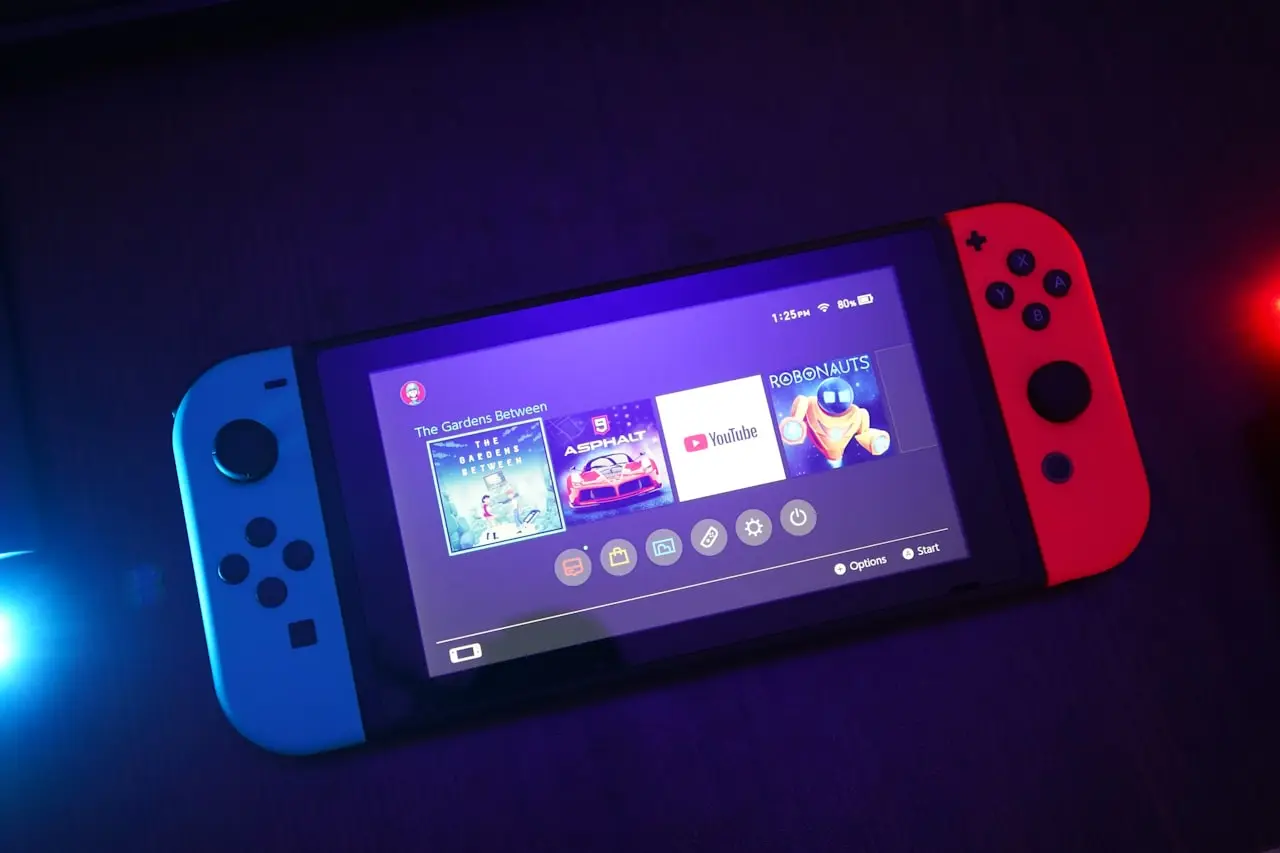
Switch Blue Screen / Error Codes?
Nintendo Switch blue screens, error 2002-3539 style faults, failed updates — power cycle, maintenance mode ideas, microSD tests, and when eMMC hardware is next.
Switch blue screen errors feel catastrophic. Most are microSD, interrupted updates, or heat — not instant eMMC death.
Related: overheating, not charging, game card.
Order
- Hold power 12+ seconds → boot
- Remove microSD → boot
- Charge on solid PD
- Finish pending updates
- Reformat SD in Switch after backup
- Official recovery/initialize paths only with eyes open on saves
Hardware
Boot loops with no SD and failed recoveries → Nintendo repair (eMMC/board).
Bottom line
Power off → pull SD → charge → update → then wipe/repair. Don’t reformat the SD on a PC first if you still need the data.
Frequently Asked Questions
Blue screen after microSD insert?
Corrupt or incompatible card. Remove the SD, boot, then reformat the card in the Switch (backup first).
Error during system update?
Stable power + good Wi‑Fi/Ethernet adapter path. Retry; avoid sleep mid-update.
Will maintenance/recovery wipe games?
Some options keep saves on Nintendo Account cloud when enabled; local-only saves are at risk on full initialize. Know your backup state.
Repeated 2162 / 2002 family codes?
Often storage or system software. SD test first; then Nintendo repair if eMMC suspected.
Related overheating crashes?
See Switch overheating guide — thermal shutdowns can look like random errors.
Related fixes
Switch Dock No Signal / Black TV? HDMI & Dock Fixes
Nintendo Switch docked but TV no signal — dock HDMI cable, sleep mode wakes, System Settings TV output, dusty connectors, and dock board vs console port failures.
Read the fixSwitch Game Card Not Reading?
Nintendo Switch says could not read the Game Card — dirty contacts, bent slot pins, fake carts, software glitches, and when the cartridge reader needs repair.
Read the fixSwitch Joy-Con Drift Fix: Diagnose, Clean, Replace
Nintendo Switch Joy-Con analog drift — calibration, button combos, compressed air, replacement sticks, and when to send Joy-Cons for service.
Read the fix