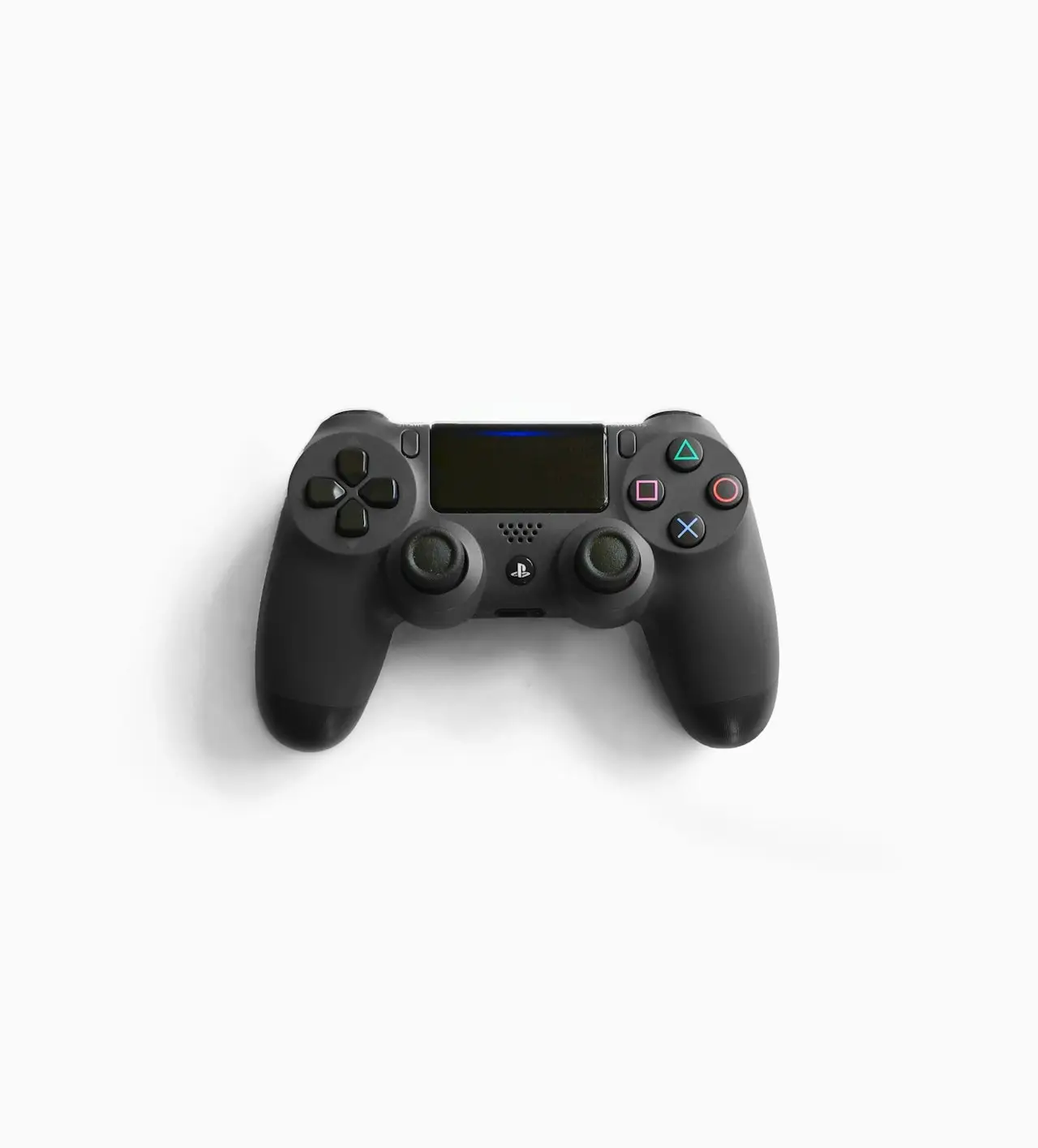
Switch Pro Controller Drift and Connection Fixes
Nintendo Switch Pro Controller stick drift or disconnects — calibration, USB re-sync, battery health, stick replacement, and interference checks.
Switch Pro Controller drift mirrors Joy‑Con and DualSense wear — calibrate, clean, replace sticks.
Related: Joy-Con drift, DualSense drift, Joy-Con not connecting.
Soft
- Calibrate control sticks
- USB sync to Switch
- Full charge
- Air around stick bases
Hard
Stick module replacement with an 11-piece precision screwdriver set on Amazon, or shop service.
Bottom line
Calibrate → USB sync → clean → replace sticks. Don’t blame the Switch OLED dock for Pro Controller pots.
Frequently Asked Questions
Same as Joy-Con drift?
Same analog wear class. Calibration and stick replacement still apply — different shell.
USB play but not wireless?
Re-sync; charge battery; reduce 2.4 GHz interference; update Switch.
Official calibration path?
System Settings → Controllers and Sensors → Calibrate Control Sticks with the Pro Controller connected.
Worth repairing vs replacing?
Stick modules are cheaper than a new Pro Controller if you’re comfortable opening it — or use a repair shop.
Charging issues?
Try another USB-C cable; see Switch charging guide for PD cable proof habits.
As an Amazon Associate, I earn from qualifying purchases. Affiliate disclosure
Related fixes
Switch Joy-Con Drift Fix: Diagnose, Clean, Replace
Nintendo Switch Joy-Con analog drift — calibration, button combos, compressed air, replacement sticks, and when to send Joy-Cons for service.
Read the fixPS5 DualSense Stick Drift Fix
DualSense controller drift on PS5 — deadzone tips, calibration myths, contact cleaner vs replacement modules, and when Sony repair beats DIY.
Read the fixSwitch Joy-Con Not Connecting? Fix Pairing and Rails
Joy-Con won’t connect wirelessly or sync to Switch — airplane mode, resync buttons, charged rails, Bluetooth interference, and worn rail connectors.
Read the fix