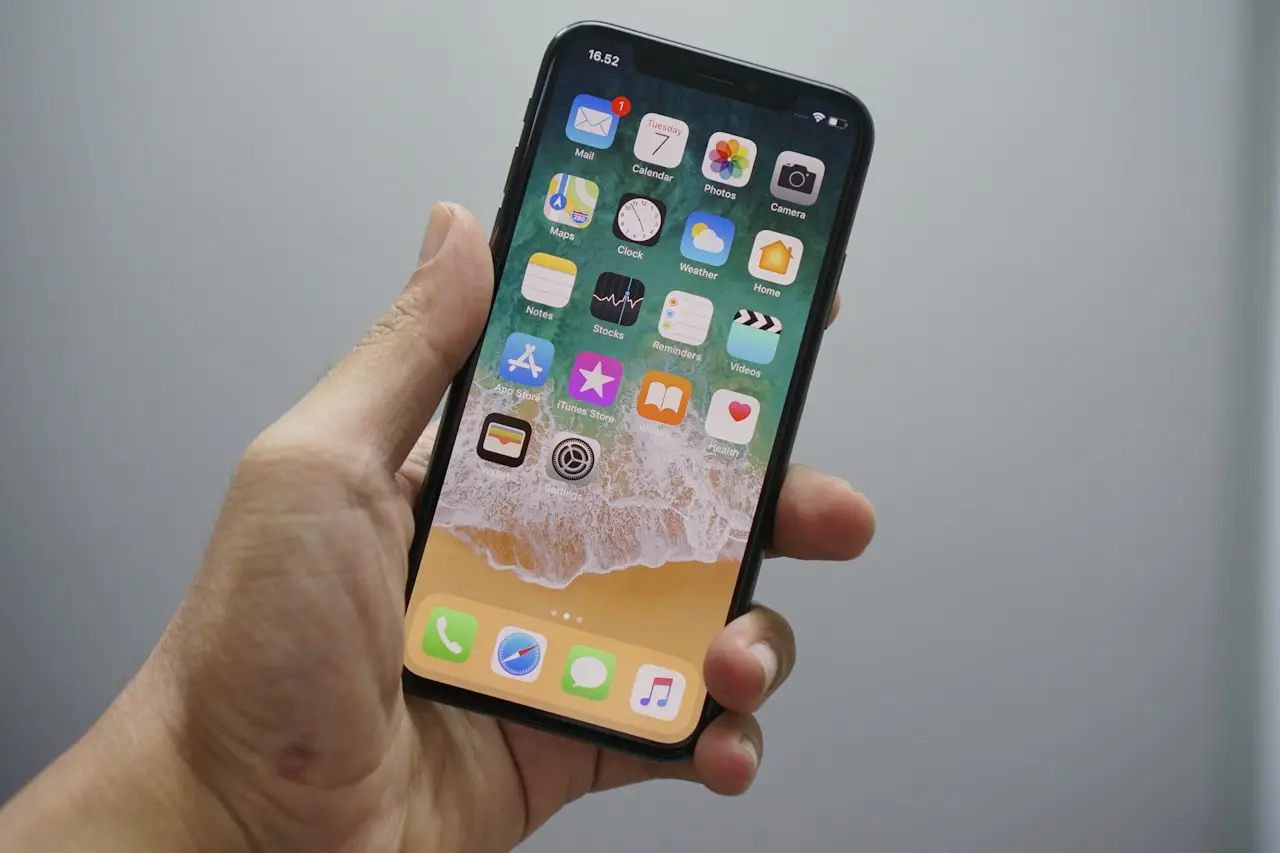
Why Is My iPhone Battery Yellow on the Status Bar?
Explain the yellow iPhone battery icon: Low Power Mode, how to turn it off, battery drain myths, charging behavior, and when yellow is not the real problem.
If your iPhone battery is yellow in the status bar, iOS is telling you that Low Power Mode is on — not that the battery is “infected,” fake, or about to explode. The yellow tint is a status color. Understanding that saves you from unnecessary resets and scareware “battery calibrator” apps.
This guide covers what the yellow icon means, how to turn it off, what Low Power Mode actually changes, and when to chase real drain, heat, or charging faults instead.
What the yellow battery means
On current iPhone status bars:
- Yellow battery = Low Power Mode enabled
- Normal black/white fill (depending on wallpaper / Always On context) = Low Power Mode off
- Charging lightning can appear with either state while plugged in
iOS may also auto-enable Low Power Mode at a low percentage if you previously allowed that behavior, which is why the icon can turn yellow without you opening Settings that hour.
You will typically notice yellow when:
- You tapped the Control Center battery button
- The phone offered Low Power Mode at 20% and you accepted
- A Focus / shortcut automation enables it
- Someone else used your phone and left the mode on
Low Power Mode — what it actually does
Low Power Mode temporarily reduces background work so the remaining charge lasts longer. Exact limits evolve by iOS version, but the spirit is:
- Less background app refresh
- Less eager mail fetch in some configurations
- Visual effects / some always-on behaviors toned down
- Certain network-heavy background tasks deferred
It is a tradeoff mode, not a repair. Turning it on does not replace diagnosing a runaway app after a major update — for that, use a proper drain pass such as iOS 26 battery drain fix.
| Observation | Likely meaning | First move |
|---|---|---|
| Yellow icon, phone feels fine | Low Power Mode on | Toggle it off if you want full background behavior |
| Yellow + sudden 20% prompt | Auto suggestion accepted | Normal |
| No yellow, still dies fast | Real drain issue | Battery usage + updates |
| Won’t charge while yellow | Unrelated or cable/port | Charging checklist |
How to turn the yellow battery off
Do
- Settings → Battery → Low Power Mode → Off
- Or open Control Center and tap the battery / Low Power control
- Check Shortcuts / Automations if it re-enables at certain times or locations
- Charge past the low threshold so auto-prompts stop nagging
Do not
- Install third-party “battery color fixer” profiles
- Force-restart as your only plan (restart may leave Low Power Mode state alone depending on version/settings)
- Erase all content because the icon is yellow
- Assume yellow means the battery health percentage is fake
When Low Power Mode is off, the status bar should drop the yellow tint. If you still dislike how iOS draws the battery, that is visual preference — not a malfunction.
Yellow battery vs real battery problems
A yellow icon alone is cosmetic status. Dig deeper when you also see:
- Unexpected shutdowns above 0%
- Phone only charges with one cable / angle — see iPhone not charging
- Extreme heat under light use — see iPhone 17 overheating fix for heat triage patterns
- Storage critically full, which can worsen sluggishness and background failures — free space with free iPhone storage
Do combine Low Power Mode as a temporary aid while you identify the top app in Battery stats.
Do not leave Low Power Mode on forever and ignore a maps app looping GPS all night.
Charging while Low Power Mode is on
You can charge with Low Power Mode enabled. Many people leave it on until they reach a comfortable percentage. Yellow + charging is still Low Power Mode, not a special “yellow charging defect.”
If the phone does not take a charge:
- Try a known-good cable and power adapter
- Clean the port carefully (no metal diggers)
- Test another wall outlet
- Note whether the battery percentage moves at all
- Follow the dedicated iPhone not charging steps
Low Power Mode will not fix a damaged port or failed power IC.
After iOS updates
Big iOS releases often cause a day or two of higher battery use while Photos, Spotlight, and iCloud catch up. People enable Low Power Mode, see yellow, and blame the color for “breaking” the phone. Disable Low Power Mode when you want a fair reading of drain, then watch Battery stats for 24 hours on the iOS battery drain checklist.
If the phone also runs hot during that indexing window, heat + yellow can appear together without a hardware failure. Persistent heat at idle is a different ticket than a tinted icon.
Automations and borrowed phones
If the yellow icon returns every morning:
- Check Shortcuts automations for Low Power Mode actions
- Check whether Screen Time / another user is toggling Battery settings
- Disable “Low Power Mode” Control Center abuse by using a passcode and not sharing it casually
That is more effective than replacing the battery for a software toggle.
What to tell support
Useful details:
- iOS version
- Whether Low Power Mode toggle matches the yellow icon (it should)
- Battery Health / maximum capacity screen if hardware is suspected
- Top apps in Battery usage
- Charging accessories used
That beats “yellow battery virus?” as a repair intake line.
Related FixingHacks guides
Bottom line
A yellow iPhone battery on the status bar means Low Power Mode is on. Turn the mode off in Settings or Control Center if you want the normal icon and full background behavior, then chase real drain, heat, storage, or charging faults with proper checklists — not icon myths.
Frequently Asked Questions
Why is my iPhone battery icon yellow?
A yellow battery in the status bar means Low Power Mode is on. iOS tints the battery to show that background activity and some visual effects are reduced.
Is a yellow battery dangerous or a sign of hardware failure?
No. It is a status indicator for Low Power Mode. Hardware issues look like unexpected shutdowns, failure to charge, or severe swelling — not a yellow tint alone.
How do I turn off the yellow battery?
Open Control Center and tap the battery Low Power Mode button, or go to Settings → Battery and turn Low Power Mode off. The icon returns to the normal fill color.
Does Low Power Mode fix battery drain permanently?
It reduces some background activity while enabled, but it does not repair a bad battery, a runaway app, or a charging fault. Use it as a temporary aid while you diagnose.
Related fixes
iPhone 15 Plus Renewed in 2026
Should you buy an unlocked renewed iPhone 15 Plus (128GB) in 2026? Battery checks, USB-C upsides, Apple Intelligence reality, and when to skip for a newer model.
Read the fixWhere Is the Clipboard on My iPhone?
Find the iPhone clipboard: Universal Clipboard, pasted banners, third-party keyboards, Shortcuts, and privacy prompts when apps paste from clipboard.
Read the fixCan’t Restore or Update iPhone?
Fix iPhone stuck on restore or update: free storage, force restart, DFU basics, cable/trust issues, Apple logo loops, and when to stop DIY before repair.
Read the fix