Galaxy Z Fold 8 Tips and Tricks (Ultra Fixes)
Fold 8 tips that matter in 2026: battery, crease, Flex Mode, no S Pen, heat and 5G. Galaxy Z Fold 8 Ultra tips and tricks for day-one setup — not a brochure recap.
Looking for Fold 8 tips that are not a 40-minute unboxing? This is the Galaxy Z Fold 8 / Ultra tips and tricks list we actually use after setup: battery, crease, Flex Mode, heat, and the no-S-Pen gotcha. The Ultra adds a camera bump and a silicon‑carbon ~5,000mAh cell — still treat the hinge like a precision part.
Fold 8 tips (do these first)
- Install Settings → Software update before you case the hinge
- Build Edge panel app pairs (mail + browser, maps + music) — this is the inner-screen trick people skip
- Cover Always On Display off if you pocket-check all day
- Prefer LTE in weak 5G so the Ultra stops hunting and heating (disable 5G)
- Never pick grit out of the crease with a fingernail
- After an Android 16-class bump, give it 48 hours before you RMA heat (Android 16 problems)
Fold 8 vs Fold 8 Ultra (quick buyer map)
| Z Fold 8 | Z Fold 8 Ultra | |
|---|---|---|
| Shape | Wider / squatter cover | Classic tall Fold silhouette |
| Cameras | Capable, fewer tele tricks | 200MP main + 3x tele advantage |
| Battery | Improved vs older Folds | ~5,000mAh Si‑C standout |
| Charging | Faster than old 25W era | Up to ~45W wired (adapter often sold separately) |
| S Pen | No | Still no |
| Best for | Media + wider cover typing | Camera + battery + “Ultra” branding |
If zoom photography matters, Ultra. If you mostly want a wide cover screen for typing, compare the regular Fold 8 in hand. Still deciding vs Apple’s rumored foldable? Fold 8 Ultra vs iPhone Fold and iPhone Fold 2026 guide.
Day-one setup that actually matters
- Settings → Software update — install everything before heavy case install
- Galaxy Store + Play Store update all apps
- Sign into Samsung account for Find / Secure Folder
- Set Labs → Multi window for all apps (wording varies by One UI)
- Create Edge panel app pairs: Email + Browser, Maps + Music, Notes + Calendar
- Migrate 2FA before you retire the old phone (authenticator guide)
- Back up WhatsApp if you are switching handsets (WhatsApp backup)
Battery: make the 5,000mAh feel like two days
The Ultra’s silicon‑carbon jump is the headline upgrade — still help it:
- Settings → Battery → Power saving for travel days
- Turn off Always On Display on the cover if you pocket‑check constantly
- Prefer LTE in weak 5G (disable 5G) — foldables heat fast when radios hunt
- Limit high refresh where you do not feel it
- Avoid gaming on the inner screen while wireless charging
- After Android 16‑class updates, allow settle time (Android 16 problems)
Charging note: Retail boxes may still skip the wall brick. Use a proper PPS Samsung‑compatible charger for advertised wired speeds; Qi wireless is improved but alignment matters with the camera bump. Charge faults: Android won’t charge.
Known quirks to expect (so you do not “RMA” a feature)
1. No S Pen (still)
Ultra branding ≠ S Ultra stylus. Thinness won. Capacitive third‑party styli are meh for precision.
2. IP48, not IP68
Water resistance is decent; dust/sand are the enemy. Beach + hinge = expensive regret.
3. Flex Mode may feel different
Some Fold 8 Ultra hinge designs favor a firm open/close and offer fewer intermediate angles. Do not buy assuming classic tent‑mode YouTube nights until you try it in a store.
4. Camera bump wobble
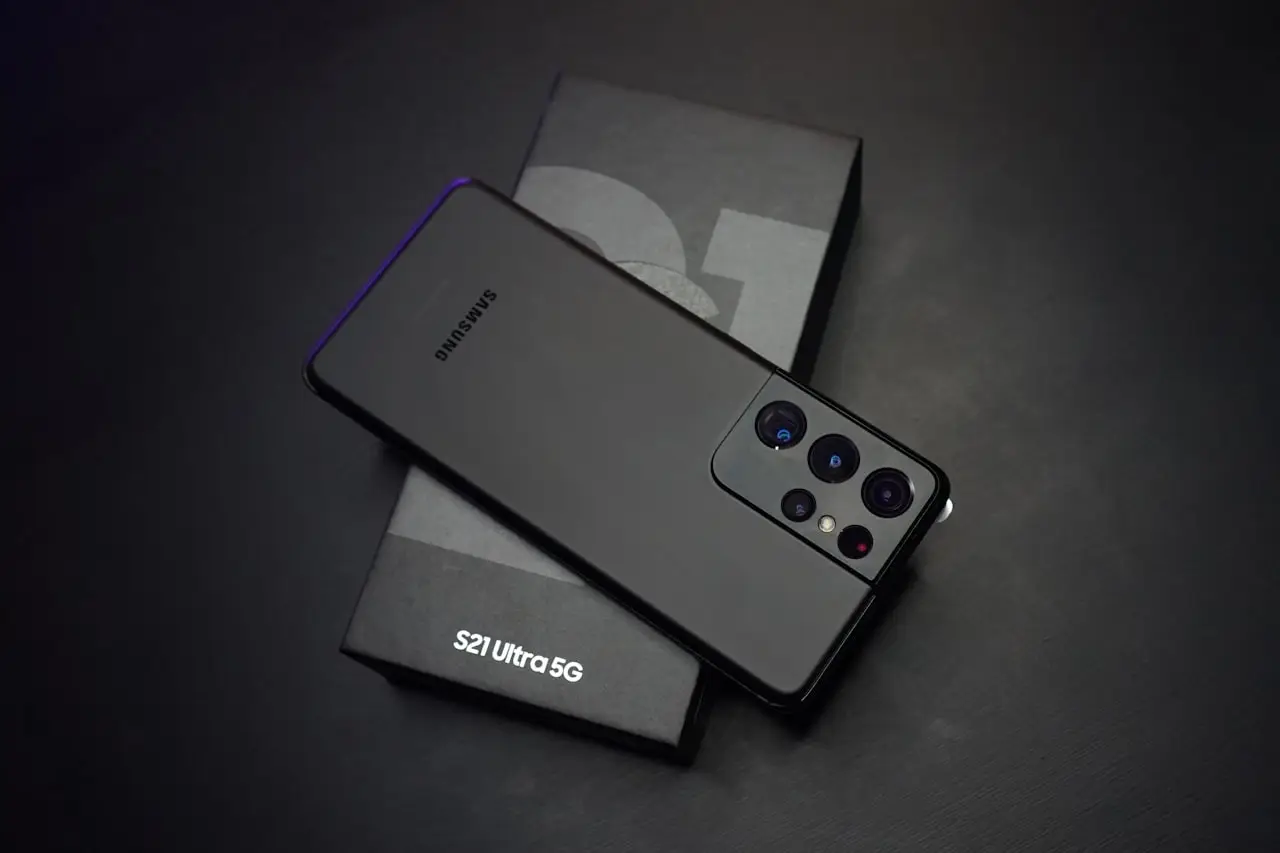
The Ultra’s rear cameras can make the phone rock on a table folded or open. A case with a flatter camera ring helps.
5. Crease reality
Better coatings help; creases still exist. Visible under light after weeks is common — not automatically a defect.
Crease & hinge care (do this)
- Never dig the crease with fingernails, tissues with grit, or alcohol soaks
- Use a soft blower / Samsung‑recommended cleaner cloth
- Keep pocket lint out — empty pockets with keys/sand
- Use a hinge‑covering case designed for Fold 8 / Ultra
- If the inner protector peels, replace with Samsung‑approved parts only
- Before any screen rework, read Samsung fingerprint after screen and pre‑repair checklist
Display & multitasking tips
- Cover screen: enable compatible full‑screen apps for the apps you actually use folded
- Inner screen: drag app icons to snap 50/50 or 60/40
- Use Dex (wired/wireless where supported) if this is your travel laptop replacement
- Turn on taskbar for tablet‑like switching
- Keep storage healthy so splits do not stutter (Android storage)
Heat fixes specific to Fold 8 Ultra
- Case off during first‑day indexing / big updates
- Disable 5G when signal is mid/poor
- Close camera app if the telephoto gets warm after burst shooting
- Don’t stack MagSafe‑style magnets that block vents/radios oddly
- Check Device care → Battery → Usage for Gemini / social background drain (Gemini fixes)
Should you buy Ultra or wait for iPhone Fold?
| Priority | Pick |
|---|---|
| Need foldable now on Android | Fold 8 Ultra |
| Camera zoom + battery | Ultra |
| Pure iMessage/iCloud life | Wait for iPhone Fold (rumored) |
| Stylus note‑taking | Neither Fold 8 — consider a Tab, or older Fold with S Pen support |
| Candy‑bar camera maturity | iPhone 18 Pro guide |
Quick troubleshooting
| Problem | Fix |
|---|---|
| Cover apps look cropped | App aspect ratio / full screen setting |
| Poor battery week one | LTE + AOD off + let Adaptive battery learn |
| Inner screen flicker worry | Check refresh rate; update software; test without protector bubbles |
| Wireless charge fails | Align coil; remove thick wallets; try official pad |
| Play Store pending | Free storage; Play Store guide |
Do / Don’t
Do
- Case the hinge
- Update day one
- Treat sand as the enemy
Don’t
- Expect S Pen on Ultra
- Dig the crease clean with fingernails
- Game + wireless charge + 5G hunt all at once
Bottom line
The Fold 8 Ultra is the best Samsung book foldable yet on battery and cameras — if you accept no S Pen and treat the hinge like the precision part it is. Set radios and multitasking pairs on day one, and it stops feeling like a gadget and starts feeling like a pocket tablet that takes real photos.
Frequently Asked Questions
What is the difference between Galaxy Z Fold 8 and Fold 8 Ultra?
Fold 8 is the wider standard model. Fold 8 Ultra keeps a more classic Fold proportion with the stronger camera system (including a 200MP main and 3x tele) and the larger ~5,000mAh silicon-carbon battery focus.
Does the Fold 8 Ultra support S Pen?
No. Samsung still omits S Pen digitizer support on the Ultra to prioritize thinness — a major gotcha if you expected S Ultra stylus features.
Is the Fold 8 Ultra dustproof?
It carries an IP48-class rating in reviews: solid water resistance, limited dust/sand protection. Keep beaches and dusty vans away from the hinge.
Why is fingerprint flaky after a screen repair?
Under-display biometrics need calibration and compatible panels. See our Samsung fingerprint after screen guide.
What are the best Fold 8 tips?
Update One UI first, set Edge-panel app pairs, turn off cover AOD if you pocket-check constantly, prefer LTE in weak 5G, and never dig the crease. Those five Fold 8 tips save more battery and hinge life than any theme pack.
Galaxy Z Fold 8 Ultra tips and tricks for battery?
The ~5,000mAh silicon-carbon cell still needs help: Power saving on travel days, AOD off on the cover, skip inner-screen gaming while wireless charging, and let Adaptive battery learn for a week. Heat plus 5G hunting kills the Ultra faster than the crease.
Should I wait for iPhone Fold instead?
If you need a foldable now, Ultra is available. Ecosystem loyalists may wait — see our comparison guide.
Related fixes
Galaxy Z Fold 8 Ultra vs iPhone Fold
Compare Samsung Galaxy Z Fold 8 Ultra (available now) with Apple’s rumored iPhone Fold — cameras, software, price, durability, and who should buy which.
Read the fixAndroid 16 Problems After Update? Slow, Hot, Missing Notifications
Phone slow or overheating after the Android 16 update? Fix lag, Gemini heat, missing notifications, and Play Store issues on Pixel and Samsung — before a factory reset.
Read the fixSamsung Fingerprint Broken After Screen Replacement?
Fix Galaxy under-display or side-mount fingerprint failures after a new screen — Samsung calibration menus, Good Lock myths, protector thickness, and ultrasonic sensor realities on recent Galaxies.
Read the fix