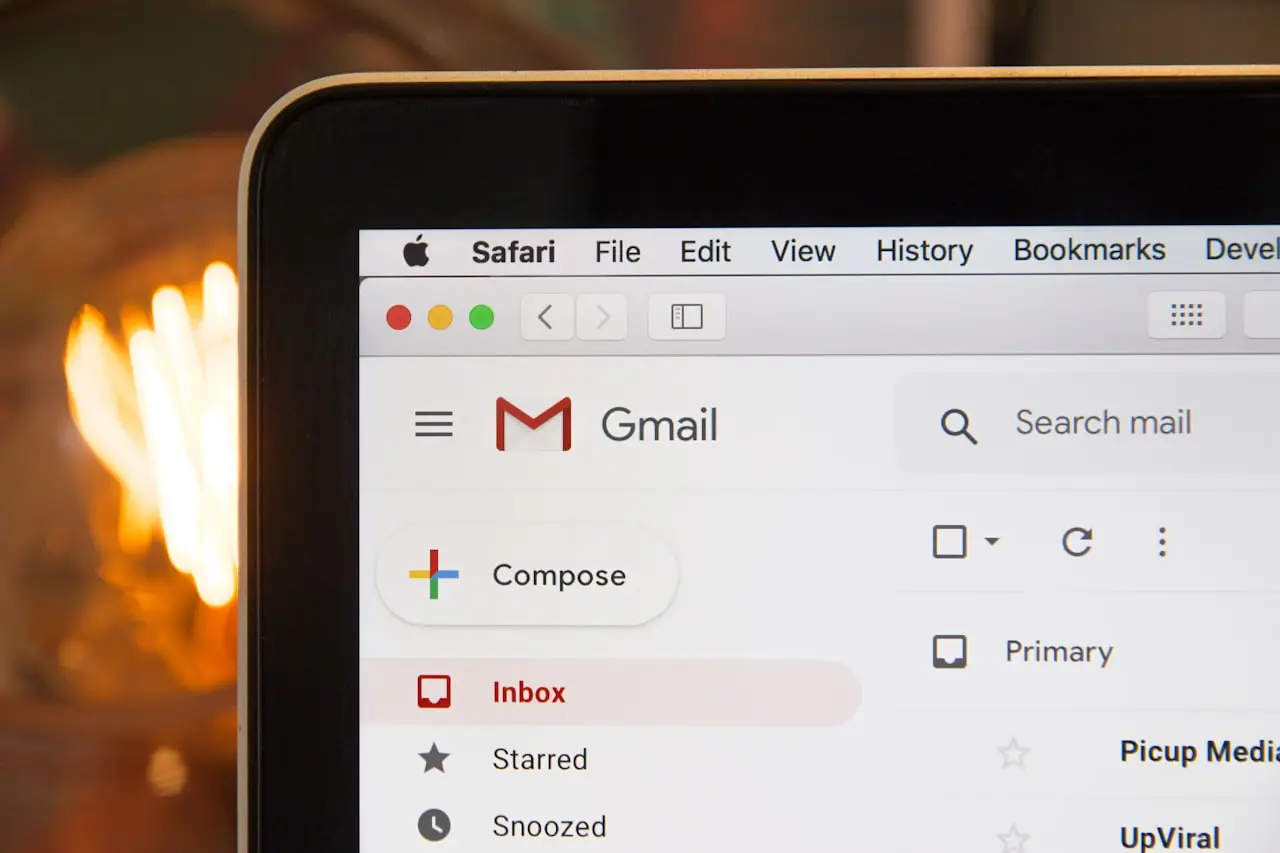
Gmail Notifications Delayed on iPhone?
Gmail push late or silent on iPhone after iOS 26 — Fetch vs Push, Gmail app vs Mail.app, Focus, Background App Refresh, and when Google’s IMAP path is the bottleneck.
Gmail notifications delayed on iPhone is almost never “Google is down.” It is Fetch instead of push, Focus, or Low Power Mode after iOS 26 — the same policy pile that silences WhatsApp.
Related: WhatsApp after iOS 26 · iPhone notifications · iOS 26.6 · Android notifications · Outlook not sending.
Symptom map
| Pattern | Likely cause | First move |
|---|---|---|
| Mail arrives when you open the app | Fetch / Background App Refresh off | Gmail notifications + BAR On |
| Late only at night | Sleep Focus / Bedtime | Allow Gmail in Focus |
| Instant in Gmail app, late in Mail.app | Mail Fetch interval | Settings → Apps → Mail → Notifications / Fetch |
| Instant in Mail.app, late in Gmail | Gmail categories / BAR | Gmail app notification settings |
| Late after 26.6 for everything | Indexing + Low Power | Charge overnight; 26.6.1 |
| Android Gmail instant, iPhone late | Expected if iPhone uses Fetch | Use Gmail app or shorten Fetch |
1. Pick one client
Gmail app — Google can wake the phone with its own notification pipeline if you allow it.
Apple Mail with a Gmail account — historically Fetch. You will not get Android-class instant mail unless the account is configured for push (Google’s IMAP/push support in Mail.app has always been the weaker path).
If you bounce between both, you will get duplicate banners or none. Choose.
Keep Low Power off during the test. A overnight is enough to prove the delay is policy, not a dying battery.
2. Gmail app checklist
- Settings → Apps → Gmail → Notifications — Lock Screen, Banners, Sounds
- Open Gmail → tap the profile / menu → Settings → Notifications — enable All or at least Primary
- Enable Background App Refresh for Gmail
- Disable Low Data Mode on the Wi‑Fi you live on
- Focus: add Gmail as an allowed app, or turn Focus off for a day
iOS 26 Focus filters hide banners and still show a badge. People call that “delayed” when it was never delivered to the Lock Screen.
3. Apple Mail + Gmail account
Settings → Apps → Mail → Notifications — allow previews.
Settings → Apps → Mail → Accounts → Fetch New Data:
- If the Gmail row says Fetch / Manually, mail waits for the interval (15 min / 30 min / Hourly)
- Push appears for some account types; Gmail often will not offer true Push in Mail.app
- Manually means “only when I open Mail” — that is your delay
Turn Background App Refresh on globally. After iOS 26.6, indexing can postpone Fetch jobs; wait until the battery banner about finishing the update is gone (iOS 26.6).
4. 2FA, spam, and filters
- Security codes late: check the Promotions or Updates tab and notification categories
- Gmail filters that skip inbox also skip some mobile banners
- VPN / Private Relay rarely delay Gmail; Focus does
If send fails but receive works, that is SMTP — closer to Outlook not sending than this notification article.
5. Reinstall is safe for mail
Deleting the Gmail app does not delete the mailbox. Offload/reinstall after the settings pass. Do not delete the Apple Mail app unless you know you use Gmail only — some carriers still dump visual voicemail there.
Do / Don’t
| Do | Don’t |
|---|---|
| Tune the app you actually open | Expect Mail.app Fetch to match Android push |
| Allow Gmail in Focus | Blame iOS 26 for Sleep Focus |
| Disable Low Power for the test | Set Fetch to Manually and call it a bug |
| Reinstall Gmail after settings | Delete the Google account from iCloud panic |
| Wait out 26.6 indexing | Wipe the iPhone for late newsletters |
Bottom line
Gmail app notifications On + Background App Refresh + Focus/Low Power off. If you insist on Apple Mail, accept Fetch intervals. iOS 26 did not break Gmail; it made every deferred background job more visible.
Frequently Asked Questions
Why is Gmail hours late on iPhone but instant on Android?
iPhone Mail often uses Fetch (every 15–60 minutes) unless you use the Gmail app with push-style notifications enabled. Android Gmail is a first-party push client.
Did iOS 26 make Gmail worse?
Focus, Background App Refresh, and 26.6 indexing make every push app look late. Fix those before switching providers.
Gmail app banners work, Apple Mail does not (or the reverse)?
Two stacks. Gmail app = Google’s notifications. Mail.app = Fetch/Push account settings. Diagnose the app you actually use.
Will deleting the Gmail app lose mail?
No — mail lives on Google’s servers. You will re-login and lose local search cache and some notification settings.
VIP / Primary tabs silent but Promotions arrive?
Gmail notification categories or a filter. Enable all categories in the Gmail app, then check Focus allowed apps.
Related fixes
iPhone Banners Silent After iOS 26?
iPhone notifications missing or silent after iOS 26 / 26.6 — Focus, Scheduled Summary, Lock Screen, notification style, and when one app vs system banners is next.
Read the fixWhatsApp Not Working on iOS 26.6?
WhatsApp stuck, notifications late, or calls failing after iOS 26.6 — permissions, Background App Refresh, and a reinstall that keeps your chats.
Read the fixApple Music Silent After iOS 26?
Apple Music silent, skipping, or stuck on Loading after iOS 26 / 26.6 — downloads, Spatial Audio, Bluetooth, Screen Time, and when iCloud Music Library is the bottleneck.
Read the fix