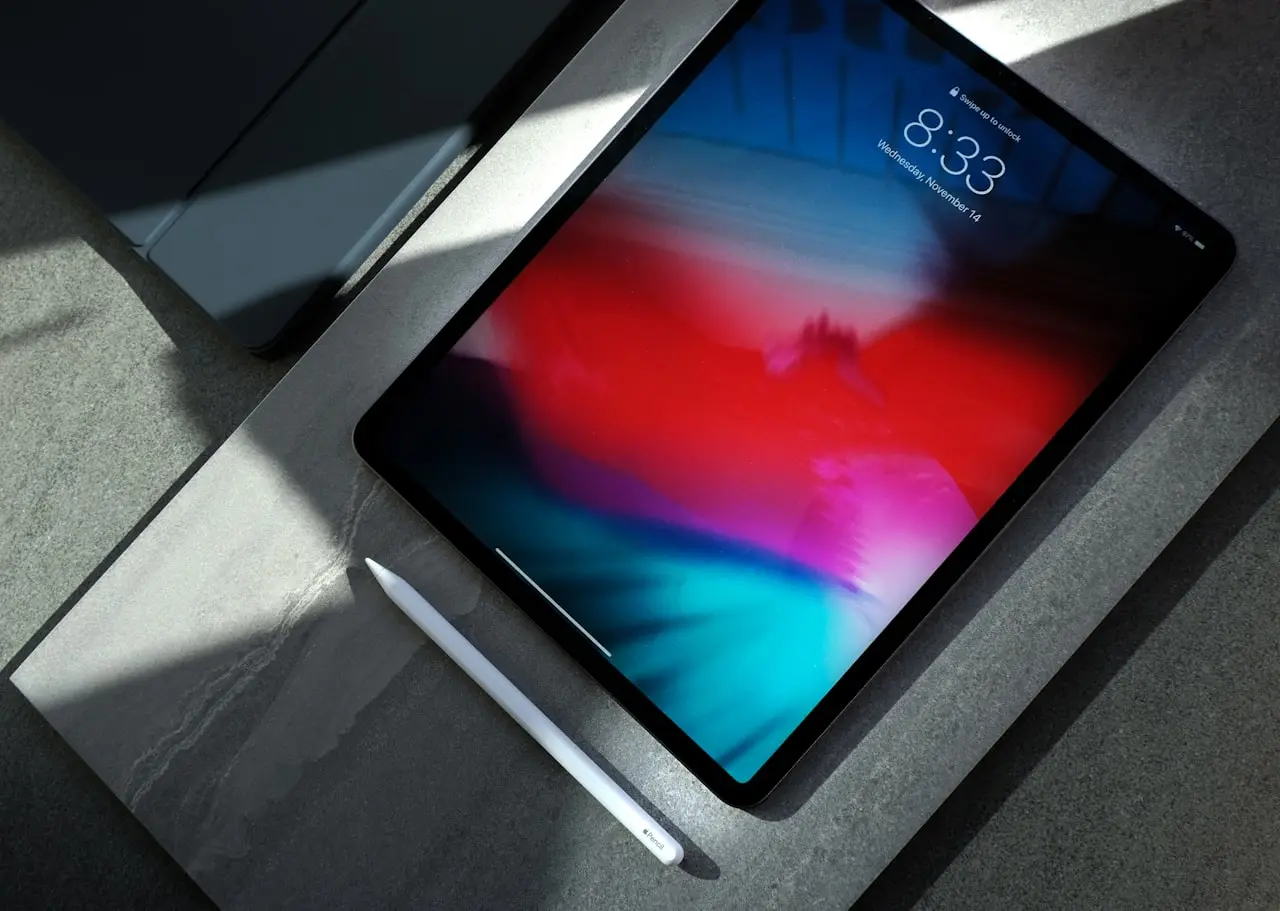
iPad Pro Renewed (2026) Buyer Guide
Renewed iPad Pro 12.9-inch 2022 vs 11-inch 2020 in 2026 — Sidecar, Touch ID vs Face ID, Square Stand POS reality, and when a frozen iPad needs recovery not a new tablet.
Shopping a renewed iPad Pro in 2026 usually means one of two listings: the 12.9-inch 6th generation (2022) as the real workhorse, or the cheaper 11-inch 2nd generation (2020) as a Sidecar / video slab. Neither replaces a force-restart if the tablet you already own is frozen (iPad black screen).
12.9-inch 2022 vs 11-inch 2020
| 12.9” 6th gen (2022) | 11” 2nd gen (2020) | |
|---|---|---|
| Role | Daily Pro / art / Sidecar | Budget second screen |
| Unlock | Face ID | Face ID |
| USB-C | Yes | Yes |
| 2026 keep | Better | Fine if cheap |
Primary listing: iPad Pro 12.9-inch 2022 128GB Wi-Fi renewed on Amazon. Budget listing: iPad Pro 11-inch 2020 128GB Wi-Fi renewed on Amazon.
Sidecar and cables
Sidecar failing after macOS Tahoe is usually Handoff, Wi-Fi, or a charge-only lead — not a dead GPU. Use a known data USB-C cable. A desk can sit on the Mac; the iPad still needs a real data path. Full playbook: Sidecar not working.
POS: Square Stand (only if you take cards)
Square Stand for iPad (2nd gen, USB-C) on Amazon is a counter POS cradle, not a Netflix kickstand. Compatible USB-C iPads include 10th-gen iPad, 11-inch Pro (1st–4th), and recent Airs — confirm Square’s current list against the exact renewed model before you assume the 2020 11-inch or 2022 12.9-inch slides in. Offline payments have Square’s own 24-hour upload rules.
Touch ID / Face ID after a cheap glass job
Renewed units should unlock on arrival. If you later replace glass, biometrics get picky (iPad Touch ID on Touch ID iPads; Face ID iPads follow iPhone-style pairing limits).
Charge overnight on a known brick while you test. A nightstand SABRENT 252W 8-port station covers iPad + iPhone + Watch; recovery/DFU still wants a data cable, not a charge-only hub port.
When to skip
- The iPad force-restarts back to life → keep it
- You need cellular → this Wi-Fi listing is wrong
- You wanted a laptop → Air M5 or M2 Max 16-inch Pro
Recommended buy
For a 2026 used Pro you will actually draw and Sidecar on, start with the 12.9-inch 2022 renewed on Amazon. Take the 11-inch 2020 only when the price gap is large and you accept the older chip.
Related FixingHacks guides
- iPad frozen or black screen
- Sidecar not working
- iPad Touch ID
- iPadOS 26.6 problems
- MacBook Air M5 buyer guide
Bottom line
Buy 12.9 2022 as the renewed Pro. Buy 11-inch 2020 as a cheap second screen. Buy Square Stand only for card-present POS on a compatible USB-C iPad. Recover a frozen tablet before you refresh the hardware.
Frequently Asked Questions
12.9-inch 2022 vs 11-inch 2020?
12.9 2022 is the better 2026 keep: newer chip class, mini-LED-class panel, Face ID. The 11-inch 2020 is the cheap second screen / kid tablet — slower, still fine for Sidecar and video if the price is honest.
My iPad is frozen — do I need a new Pro?
No. Force restart and Recovery first. A black screen after a drop can be glass or logic board — see the frozen iPad guide before you buy refurbished.
Will Sidecar work with a 2020 11-inch?
Yes on a supported Mac. Flaky Sidecar is usually Wi-Fi, Handoff, or a charge-only cable — not a reason to jump straight to 12.9.
What is Square Stand for?
It turns a compatible USB-C iPad into a counter POS with built-in payments. It is not a media stand. Confirm your iPad generation is on Square’s list before you buy the cradle.
128GB enough in 2026?
For Sidecar, Netflix, and Notes, yes. For offline 4K camera rolls, offload to Photos / a Mac. You cannot add storage later.
As an Amazon Associate, I earn from qualifying purchases. Affiliate disclosure
Related fixes
iPad Frozen or Black Screen?
Unfreeze an iPad with a black screen or stuck UI using force restart, charging checks, recovery mode, and when to seek hardware service.
Read the fixSidecar Not Working After macOS Tahoe?
Sidecar missing or black after macOS Tahoe / iPadOS 26 — wired USB-C, wireless, Handoff, Apple Pencil, and when a hub or Trust prompt is the block.
Read the fixiPad Touch ID Not Working?
Fix iPad Touch ID failures: dirty Home button/top button sensor, iPadOS glitches, wet/cold hands, Screen Time locks, and when a post-repair sensor needs service.
Read the fix