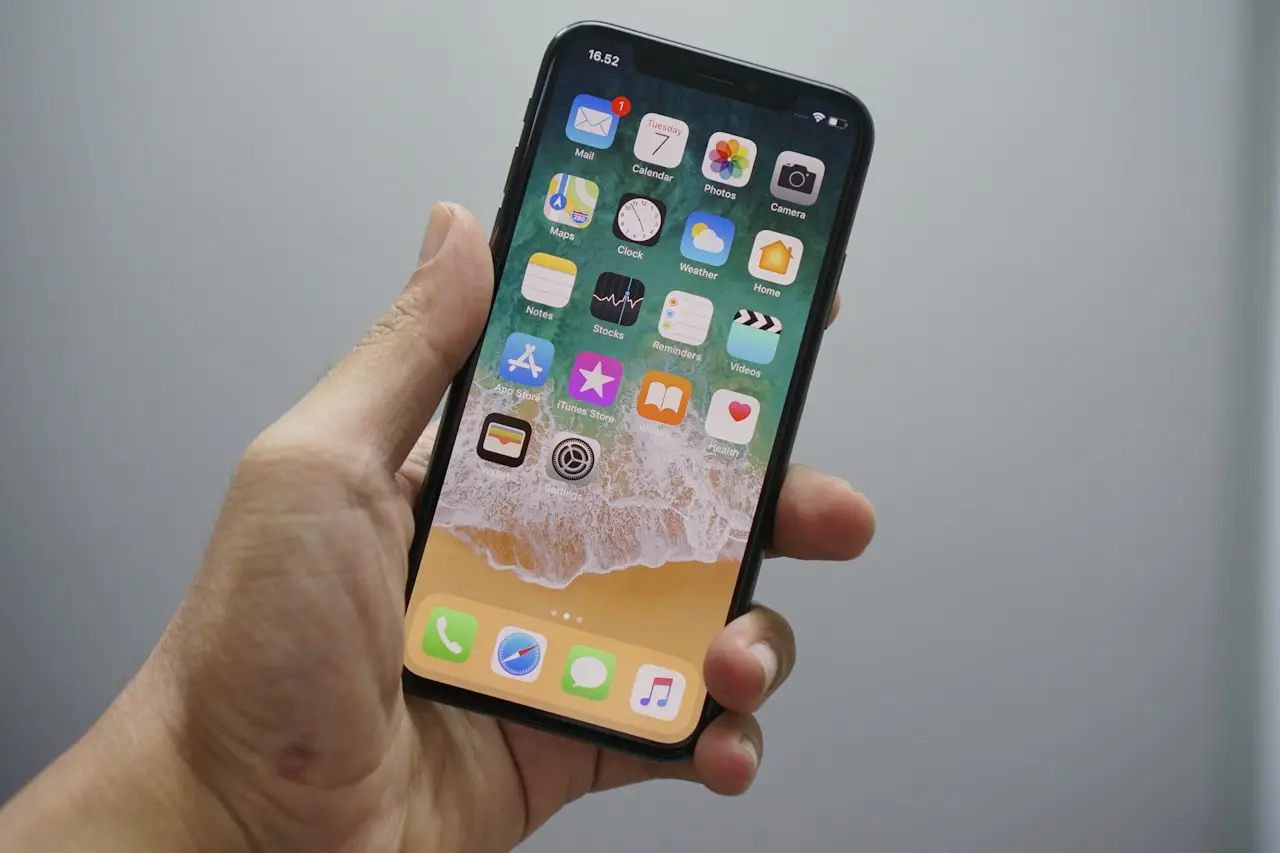
iPhone Battery Health ‘Unknown Part’ Fix
Battery Health shows Service or unknown part after a battery swap — charging safety checks, Optimized Battery Charging, and when to reject a bad cell.
A new iPhone battery that shows Unable to verify this iPhone has a genuine Apple battery (or similar Important Battery Information) is common after independent repair. Apple’s parts pairing is stricter every year. Your job is not to rage at the banner — it is to validate safety and runtime.
What the message actually means
iOS could not validate / pair the battery the way a genuine Apple service part would. That can mean:
- Aftermarket cell
- Genuine used battery without full pairing
- Communication glitch after a rushed install
- A very weak or failing pack that also trips Service messaging
Related context for other parts banners: Important Parts Information.
Settings to check on day one
Settings → Battery → Battery Health & Charging
Note and screenshot:
- The exact Important Battery Information wording
- Whether Maximum Capacity still shows a percentage or is unavailable
- Whether Optimized Battery Charging / Charging optimization options appear
- Clean charging to ~80–100% without reboot loops
- Peak Performance Capability messages if shown
Also skim Settings → General → About for battery-related parts notes on your iOS version.
First 48 hours — treat it like a new power tool
- Charge with a known‑good cable/brick while you are awake.
- The phone should get warm, not hot. Compare to iPhone overheating guidance.
- Look for screen lift, case fit changes, or a soft spot on the back — swelling.
- Watch for random shutdowns above ~30%.
- Note whether wired charging only works at a weird cable angle (port issue vs battery — see iPhone not charging).
- Compare screen‑on time to your old expectations, not a billboard.
If you have an inline USB power meter, watch for wild wattage swings or charge current that collapses into heat with no percentage gain — useful when Battery Health analytics are blank.
If Health shows Service immediately
That can mean a weak cell, a reporting glitch, or a terrible part. Go back to the shop under warranty rather than “recalibrating” for a week with drain‑to‑zero rituals.
Calibration myths to ignore
- Drain to 0% overnight “to reset the chip”
- Freezer tricks
- Third‑party “battery recalibrator” apps
Use the phone normally for several partial cycles. Lithium cells prefer mid‑range use, not abuse theater.
Genuine vs aftermarket tradeoff
| Priority | Lean toward |
|---|---|
| Clean settings + resale | Apple / AASP genuine battery |
| Lower cost, accept message | Quality independent cell + written warranty |
| Maximum safety anxiety | Apple route |
| Already seeing heat/swelling | Stop using; warranty replacement now |
Ask before the repair: “Will Battery Health show Maximum Capacity normally?” Get the answer in writing. Surprises after payment cause most of the anger — not the pixels in the banner.
Shop vs DIY
DIY OK: monitoring heat, screenshots, Optimized Charging settings, documenting runtime, returning under warranty.
Not DIY: “refurbishing” a puffed pack, puncturing cells, buying the cheapest no‑name cell online and self‑installing without proper adhesive/pentalobe discipline. Battery work is a fire‑safety job.
If a shop used a junk cell and the phone dies at 40%, that is a parts quality comeback. Bring evidence: Battery screenshots, shutdown photos, and the work order.
Do / Don’t
Do
- Supervise the first full charges
- Keep Optimized Battery Charging on when available
- Stop immediately if the phone swells
- Back up before any rework (pre‑repair checklist)
Don’t
- Ignore a lifting screen
- Hide the warning with jailbreak tweaks
- Deep‑cycle a suspect cell to “teach” it
- Leave a hot phone under a pillow on MagSafe overnight
Charging habits that help any replacement
- Prefer certified cables/bricks.
- Avoid gaming + wireless charge + thick wallet case stacks while validating a new cell.
- If Optimized Charging holds at 80% overnight, that can be normal scheduling — not proof the battery is fake.
- After major iOS updates, expect a day or two of heavier use (iOS 26 battery drain) before judging the new cell.
Resale honesty
Disclose Important Battery Information when you sell. Buyers check. An honest “aftermarket battery last year, holds a day of light use” beats a returned sale and a one‑star accusation of fraud.
Runtime logging that helps warranty claims
For three days, jot rough notes:
- Morning percentage and approximate screen‑on estimate
- Any shutdown percentage
- Heat during charge (warm / hot / alarming)
- Whether Optimized Charging held at 80% overnight
Hand that log to the shop with screenshots. Vague “battery feels bad” loses arguments; timestamps win them.
MagSafe and aftermarket cells
Wireless charging runs warmer. When validating a new cell, prefer wired certified charging for the first cycles so you can separate coil heat from cell heat. If MagSafe makes the phone much hotter than wired at similar rates, remove thick cases and retest before condemning the pack.
Peak performance and unexplained throttling
If the phone feels slow after a cheap battery, check for performance management messages. A failing cell can trigger protective behavior. That is not fixed by closing Safari tabs. Warranty swap the cell.
Resale and trade-in
Trade‑in graders notice Important Battery Information. Price your expectations accordingly. If clean analytics matter more than saving on the repair, choose Apple/AASP next time and pay for pairing peace.
DIY note for home openers
Prefer opening the device yourself? To separate a screen or back glass at home with less crack risk, I recommend a temperature-controlled LCD screen separator / preheat opener on Amazon instead of a hair dryer or hot-air gun. Work slowly — and still back up first; DIY never replaces a clean restore path.
Bottom line
The banner is information, not a death sentence. Judge the pack by heat, swelling, shutdowns, and real runtime. If those fail, use the shop warranty immediately — do not spend a week performing internet calibration rituals on a dangerous cell.
Frequently Asked Questions
Is an unknown battery dangerous?
Not always — but cheap cells fail more often. Watch for heat, swelling, and sudden shutdowns; stop using a swollen pack immediately.
Will Maximum Capacity percentage come back?
With some genuine paired batteries, reporting returns. Many aftermarket batteries never show normal Health analytics.
Should I calibrate by draining to 0%?
Skip extreme drain myths. Use the phone normally for a few cycles; deep discharges stress weak cells.
Does the message mean charging is unsafe?
The message means iOS could not validate the part. Judge safety by heat, swelling, and shutdown behavior — not the banner alone.
Can software remove Important Battery Information?
Avoid jailbreak ‘hide warning’ tweaks. They do not make a bad cell safe and add security risk.
As an Amazon Associate, I earn from qualifying purchases. Affiliate disclosure
Related fixes
PS5 DualSense Not Charging?
DualSense controller won’t charge on PS5 — USB-C cable quality, front vs rear ports, Rest Mode USB power settings, reset button, and when the battery needs service.
Read the fixSwitch Not Charging?
Nintendo Switch won’t charge or charges only in the dock — USB-C lint, weak chargers, dock passthrough failures, battery health signs, and port flex realities.
Read the fixMacBook Air M5 13-inch (2026) Buyer Guide
Apple 2026 MacBook Air 13-inch with M5 — 16GB unified memory, 512GB SSD, Liquid Retina, Wi-Fi 7, Touch ID. Upgrade advice from Intel/M1/M2 Airs and repair reality.
Read the fix